
The Problem Boards Solves
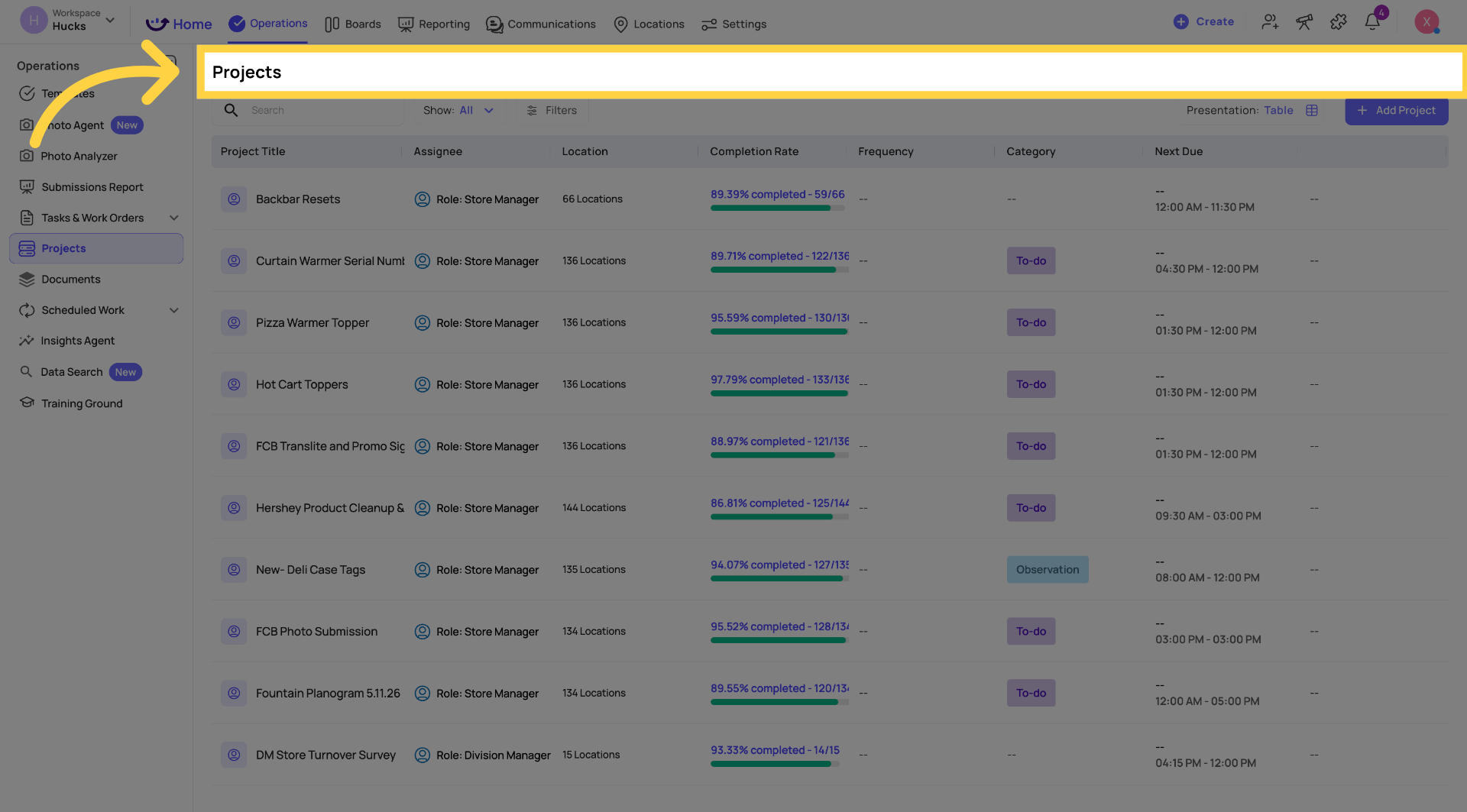
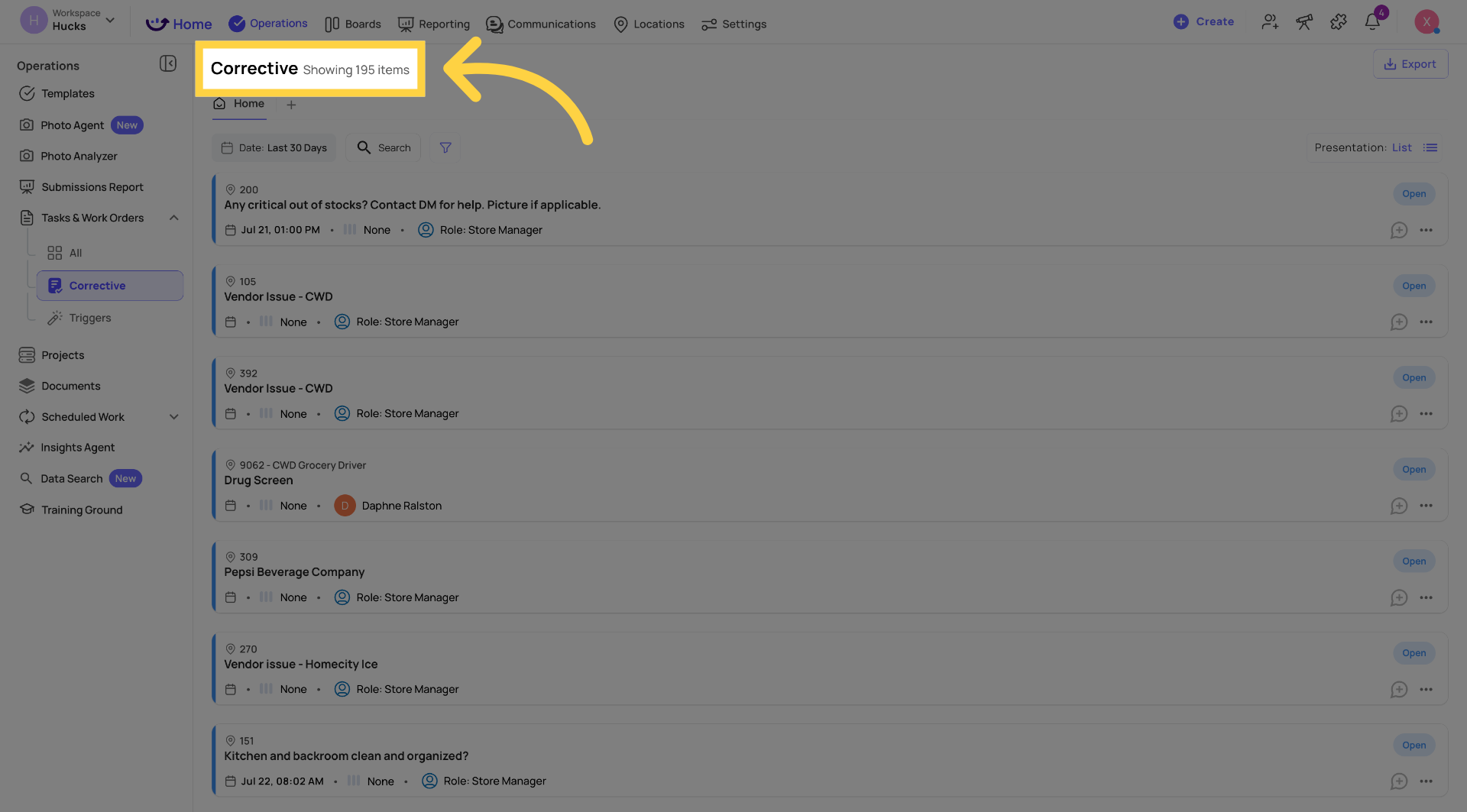
Xenia's Projects feature handles scheduled, recurring work. Corrective Tasks handle issues flagged during inspections. But there's a whole category of work that falls between those two — a team's live project board for a new store opening, processing a new claim, a list of things that need to get done this week but aren't tied to a template of fixed deadline.
What Boards Are
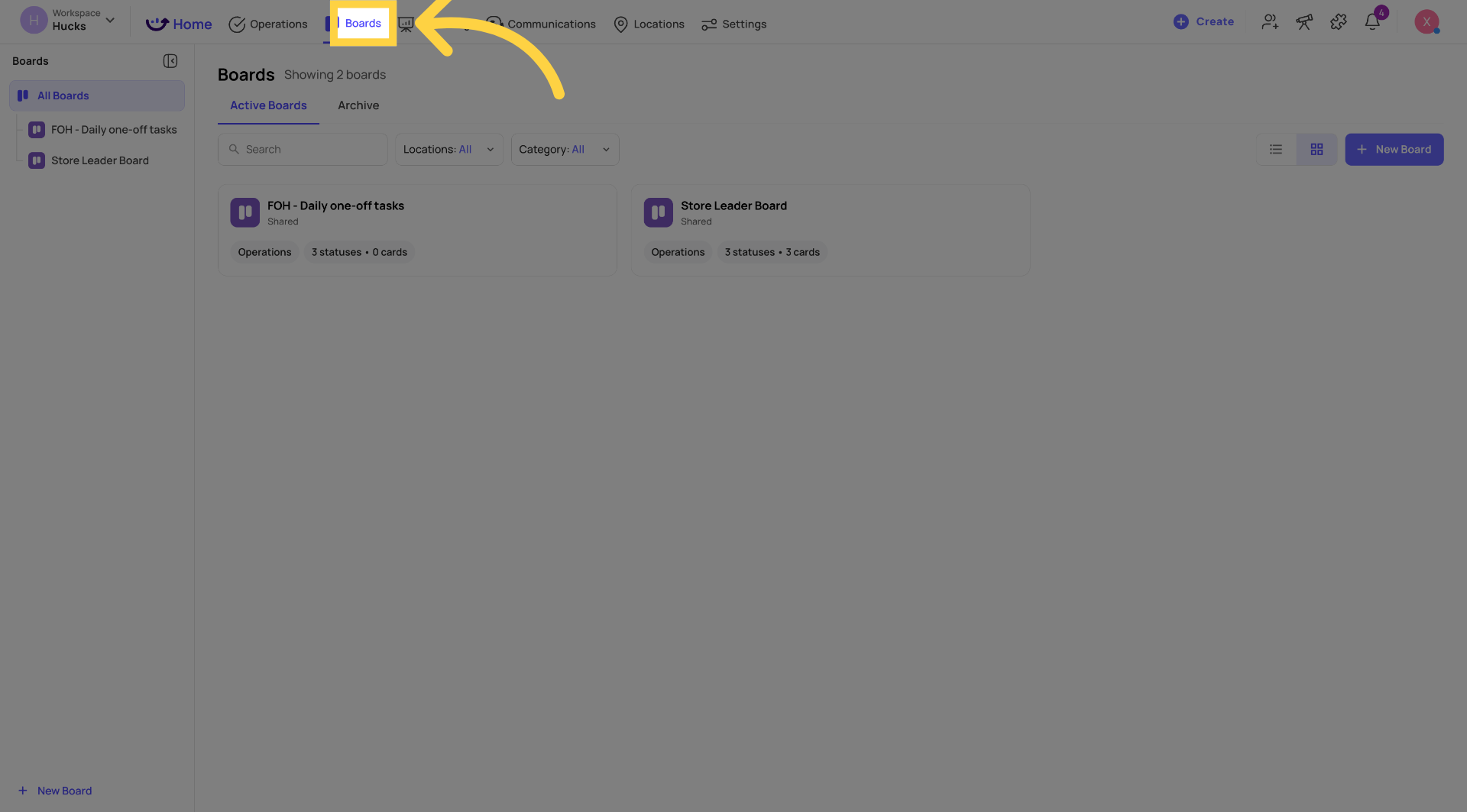
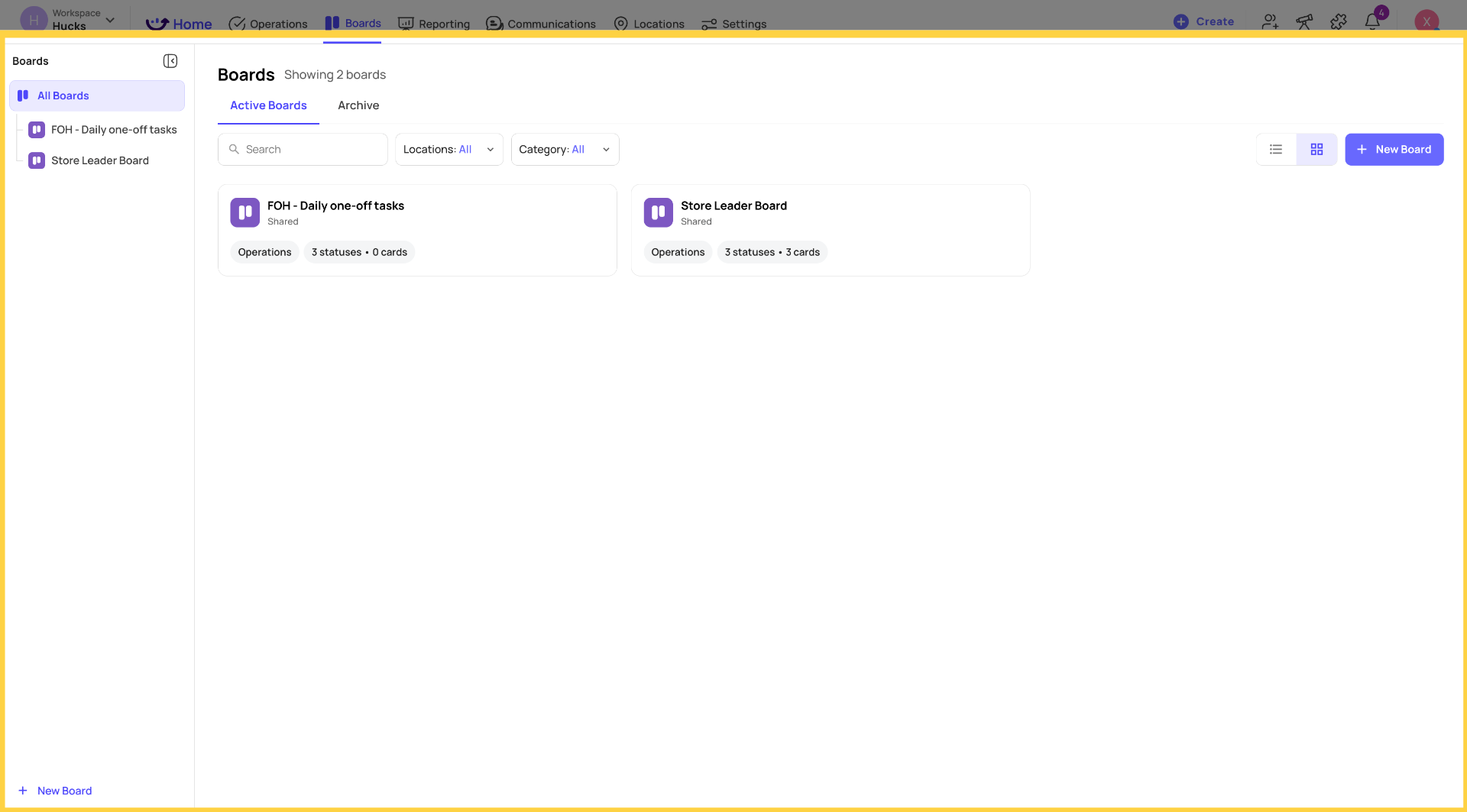
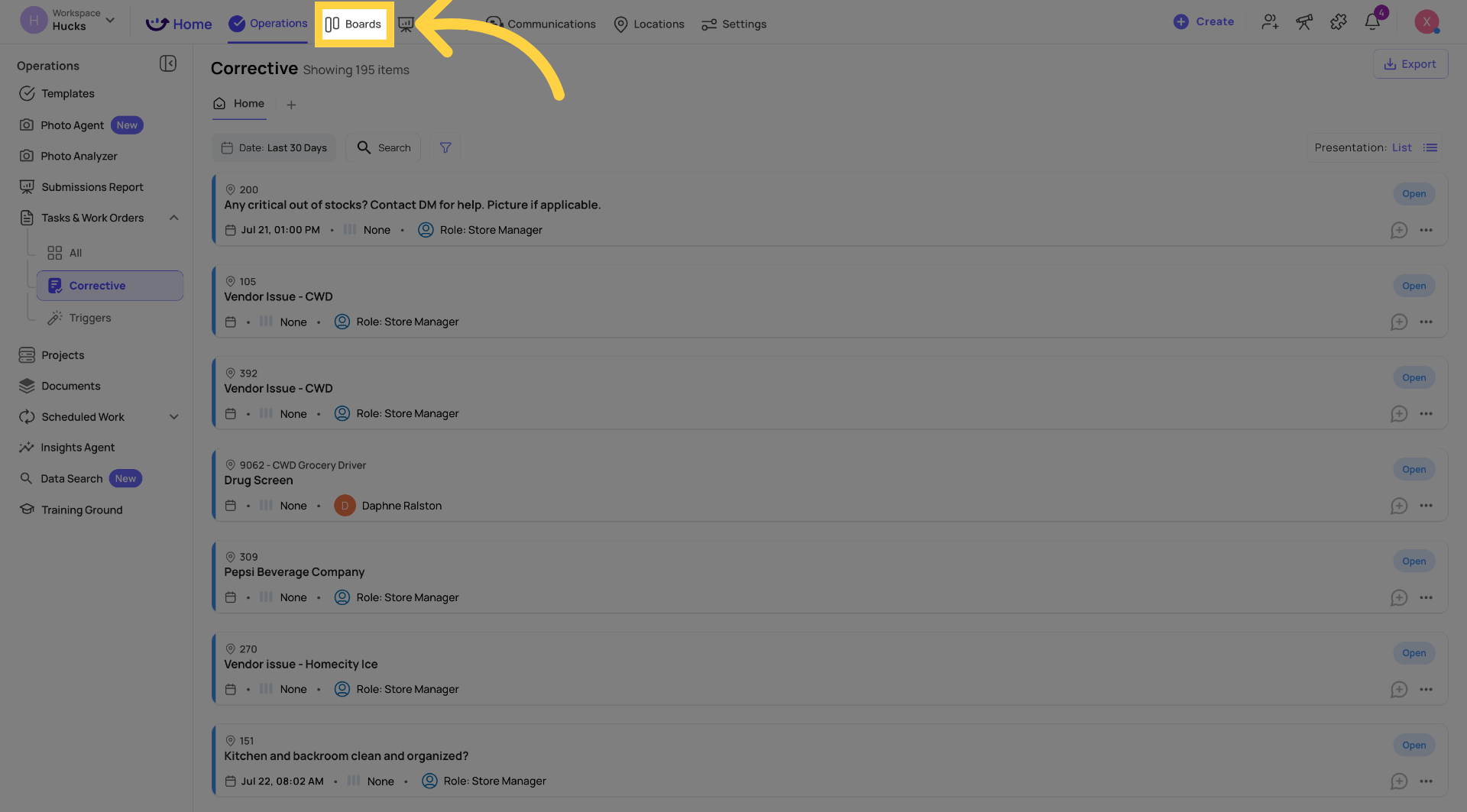
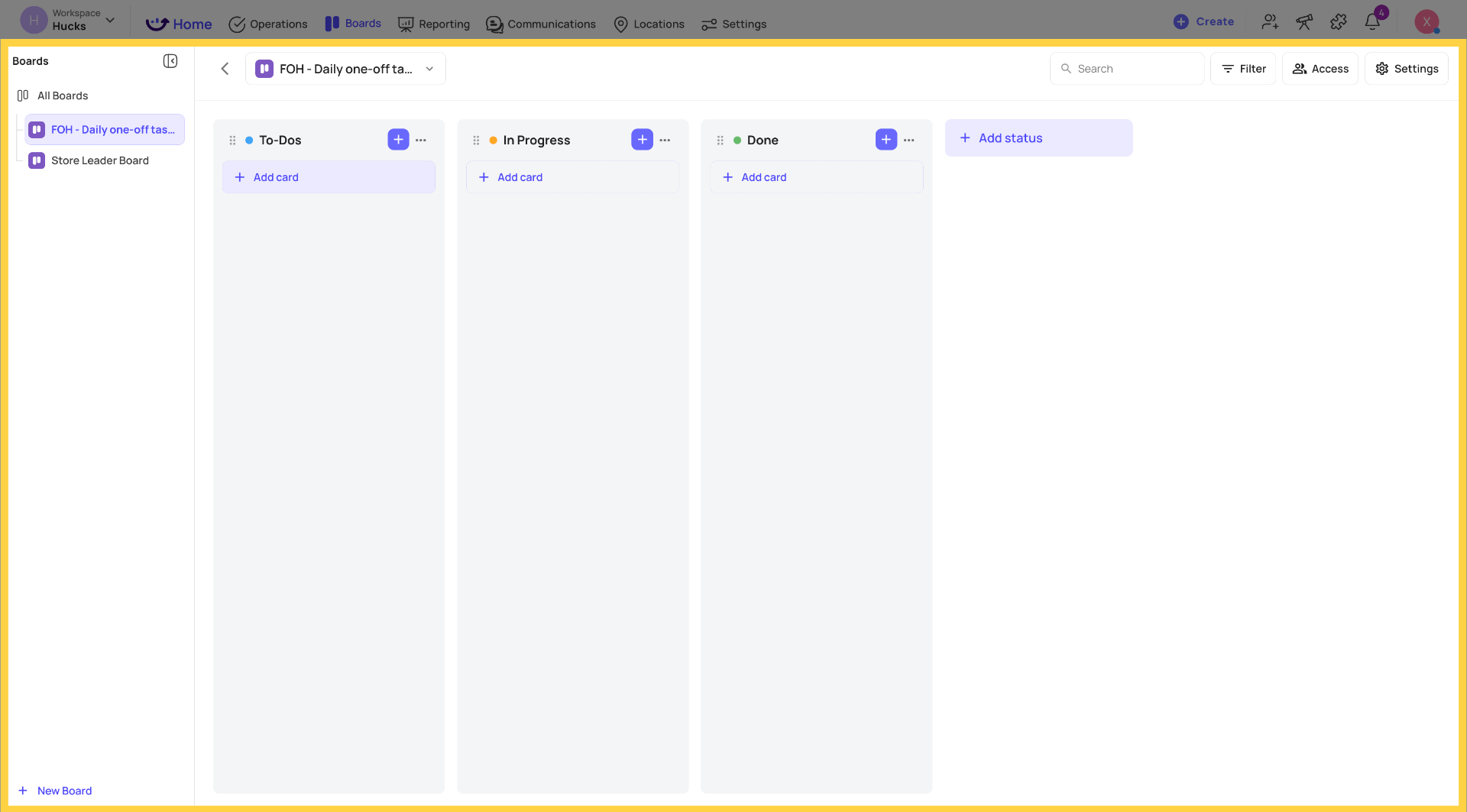
Boards is a flexible, kanban-style work surface for capturing and tracking ad hoc work — across one location or many. Think of it as Xenia's version of a project board: customizable columns (called Statuses), cards that represent individual work items, and drag-and-drop movement between stages.
A practical example of where Boards shine:
A regional manager is overseeing a new store opening. She creates a "Store Opening — Northside" board and shares it with her opening team. Over the following weeks, cards flow in from every direction — contractor punch list items, equipment delivery confirmations, staff training sign-offs, signage approvals, health inspection prep. Each card takes seconds to capture. Everyone on the opening team sees the live board, moves cards as work gets done, and the regional manager has a single view of exactly what's open, what's in progress, and what's blocking the launch — without digging through emails or separate spreadsheets.
Boards are also the landing zone for automated card creation from checklist workflows — when a template response triggers a corrective action, it can now route into a board instead of (or in addition to) creating a standalone corrective task.
Boards vs. Projects vs. Corrective Tasks
| Feature | Purpose | Structure |
| Projects | Recurring, scheduled work tied to templates and checklists | Template-driven, recurring cadence |
| Corrective Tasks | Ad hoc issue resolution triggered from inspections | Fixed statuses, form-driven |
| Boards | Flexible kanban-style card management across teams and locations | Customizable statuses, project-based |
Use Boards when:
- You need to capture work during a store walk without slowing down
- Your team tracks ongoing operational tasks that aren't driven by a schedule
- You want a live shared board where multiple locations contribute and everyone sees the same view
- You're replacing a third-party tool for project management task tracking
- A checklist workflow should drop a card somewhere visible rather than creating a standalone corrective task
Use Projects when: work is scheduled, recurring, and driven by a checklist template.
Use Corrective Tasks when: an inspection surfaces a specific issue that needs to be resolved and tracked within the existing task structure.
Core Terminology
These terms are used consistently throughout Boards — in the UI, in help articles, and in any communication about the feature.
Board
The top-level container. A named, shared workspace with customizable statuses. Think of it as the board itself — the canvas where all the work lives.
Status
A stage within a board. Visually rendered as a column in kanban view. Statuses are fully customizable — you name them, order them, and add as many as you need. There's no system-enforced concept of "done" or "open." Examples: To-Do, In Progress, Waiting on Parts, Done — or anything else that fits your operation.
Card
The unit of work. Cards live within a status and represent a single task, issue, or item to track. A card can have a title, description, assignee, priority, labels, attachments, subtasks, and comments.
Label
A board-scoped tag applied to cards for flexible classification. Labels are defined per board and can represent anything relevant to your operation — Merchandising, Safety, Training, Inventory. Multiple labels can be applied to a single card.
How Boards Connects to the Rest of Xenia
Template Workflow Integration: When building a checklist workflow, you can now add a "Create card in board" action — alongside the existing "Create corrective task" and "Create work order" options. This means a failing checklist response or a completed template submission can automatically drop a card into the right board, the right status, with the right label — without any manual routing.
Role & Location Scoping: Board access is controlled at the board level. Boards can be shared with specific locations, teams, roles, or individual users. Users only see boards they've been granted access to.
Reach out to our Support Team at Support@xenia.team
Comments
0 comments
Please sign in to leave a comment.