
Five Things to Do in Your First Session
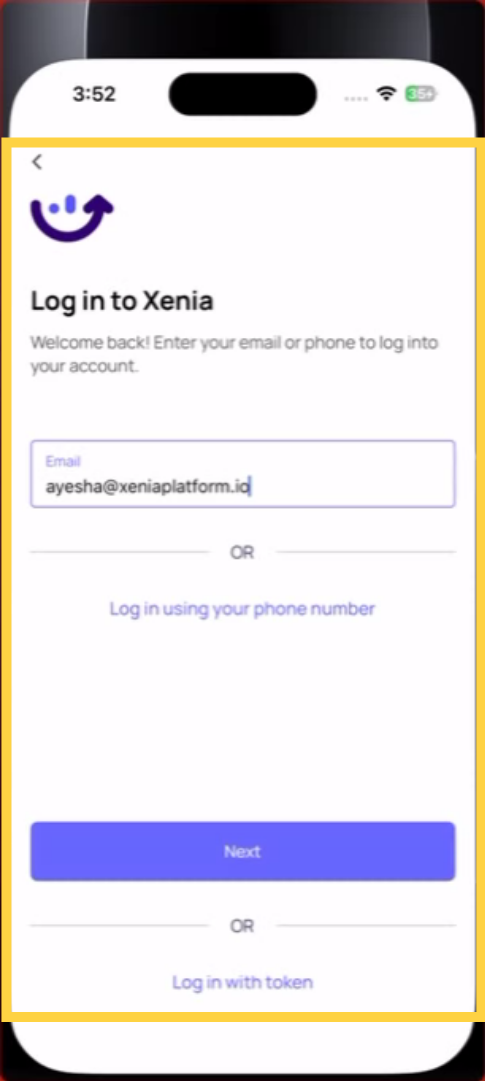
1. Download the app and log in. App Store or Google Play → search Xenia → install → log in with the credentials your manager gave you. See Downloading the Xenia App & Logging In for the full guide.
2. Check your home screen. When you first log in, you'll see your home screen. For most frontline employees, this is Location Pulse — a list of tasks due today at your location. This is where you'll start every shift.
3. Find and complete your first task. If a task is waiting, tap it. Tap Start. Work through the checklist — answer each step, take photos where required, complete any follow-up prompts. Tap Submit when done.
4. Turn on push notifications. Tap your profile icon (top left) → Notification Settings → turn on Push. Then go to your device Settings → find Xenia → Notifications → Allow. Both must be on.
5. Know where to go for help. Side menu → Diagnostic Tools if you hit a technical issue. Contact your manager for anything about access or missing tasks.
Need Help?
Reach out to our Support Team at Support@xenia.team
Comments
0 comments
Please sign in to leave a comment.