
1. Try These in Order
1. Check your credentials: Make sure you're using the correct email or phone number. If you use a shared store account, ask your manager for the login details — it may be a positional email, not your personal one.
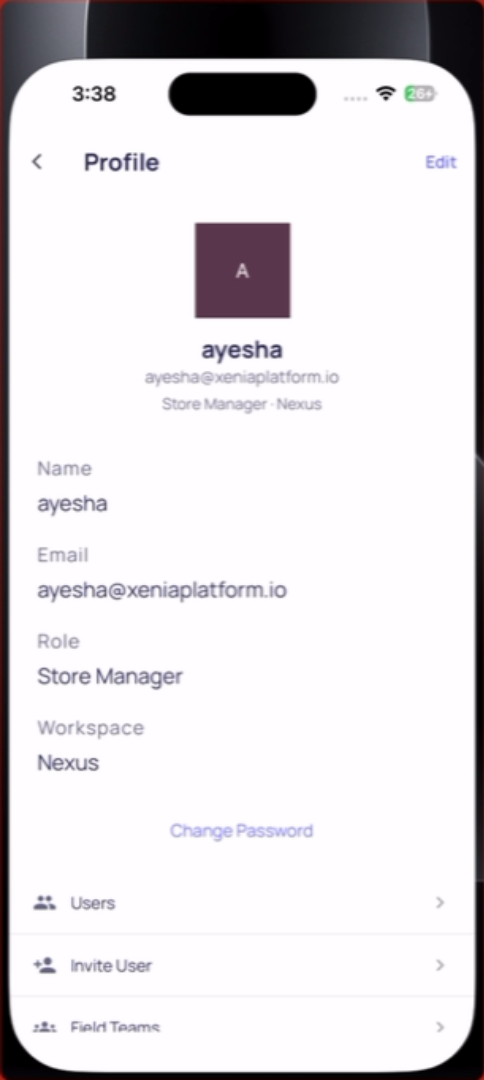
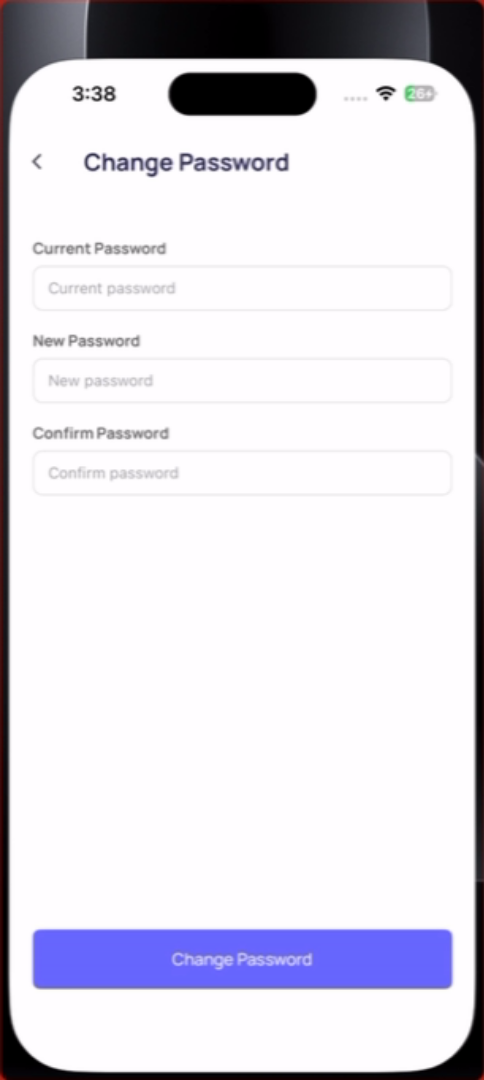
2. Reset your password: On the login screen, tap Forgot Password. A reset link goes to the account email. Open the email and follow the link to create a new password.
3. Check your internet connection: Login requires a connection. If you're on poor Wi-Fi or no signal, try switching to mobile data or moving to a better Wi-Fi signal.
4. Update the app: An outdated Xenia app may fail to log in silently. Check the App Store or Google Play for a Xenia update and install it.
5. You're at the wrong workspace: If your organization uses a custom workspace URL, confirm you're entering it correctly. Ask your manager for the correct login link or URL.
6. Account doesn't exist: If none of the above works, your account may have been deleted or never created. Contact your manager to re-invite you.
Need Help?
Reach out to our Support Team at Support@xenia.team
Comments
0 comments
Please sign in to leave a comment.