
1. Check These in Order
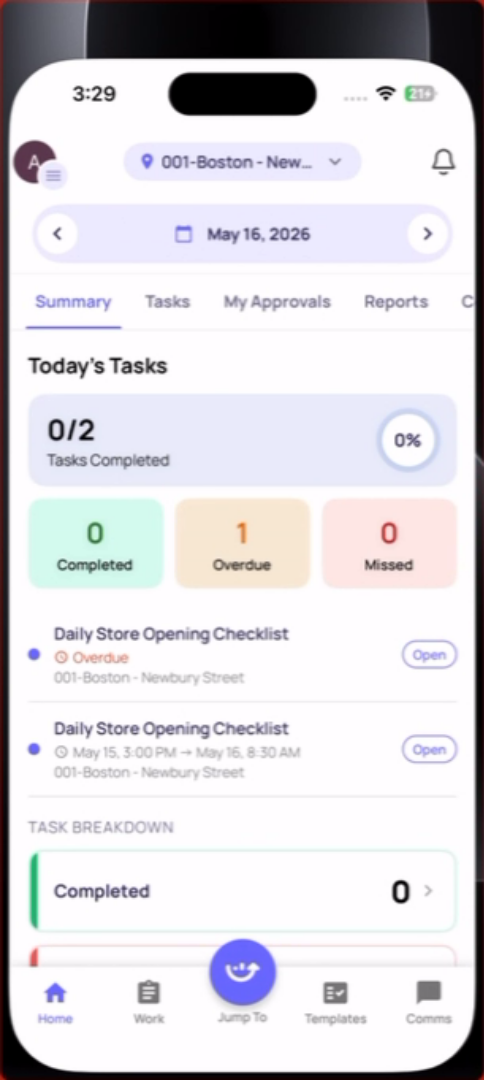
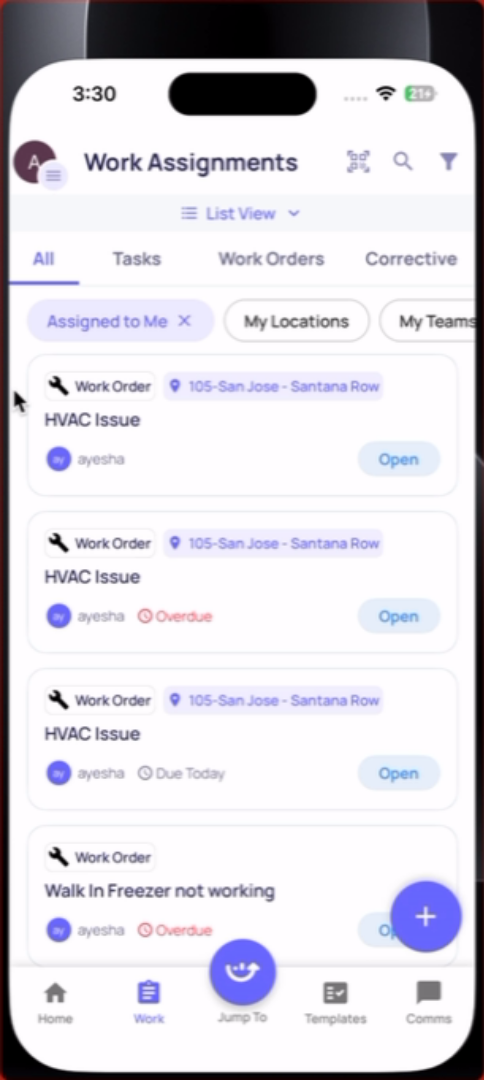
Check all three places tasks live:
- Home screen (Location Pulse)
- Side menu → My Work → Due Today
- Work tab → Tasks
A task appearing in one view may not show in another depending on timing.
2. Has the start time arrived? Project-generated tasks only appear after their configured start time. If it's 8:50am and the task starts at 9:00am, it's not there yet. Wait for the start time.
3. Check the status filter in the Work tab: The Work tab may default to showing only Open tasks. Tap the filter and select All or the status you're looking for (In Progress, Overdue).
4. Looking for an ad hoc checklist? If you're looking for a form to fill out (not a task), go to Templates tab → My Templates. Browse folders or search by name.
5. The task may be for a different role: If the task was assigned to a role and you're not in that role, you won't see it. Contact your manager.
6. Still can't find it: Contact your manager. The task may not have been generated yet, the project may be paused, or your location membership may need to be updated.
Need Help?
Reach out to our Support Team at Support@xenia.team
Comments
0 comments
Please sign in to leave a comment.