
1. What Announcements Are
Announcements are broadcast messages sent by your organization to specific roles or locations. They might be a new SOP, a policy change, a safety notice, or any important information that needs to reach your team. Some require you to confirm you've read them — this is called acknowledgment.
2. How You're Notified
When a new announcement is sent to you, you receive a push notification on your device. The notification tells you an announcement is available. Tap it to go directly to the announcement.
A badge count also appears on the Comms tab at the bottom of the screen showing how many unread announcements you have.
3. Viewing an Announcement
- Tap the Comms tab at the bottom
- Tap the Announcements sub-tab
- Tap any announcement to open it
- Read the full content — scroll through to the bottom
Announcements may include text, images, and PDF attachments. If there's an attachment, tap it to view or download.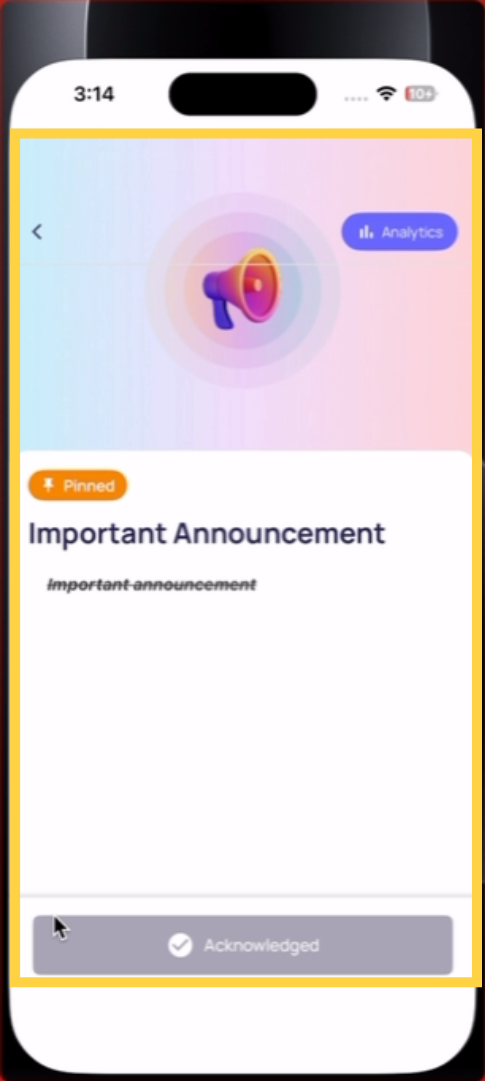
4. Acknowledging an Announcement
If the announcement requires acknowledgment:
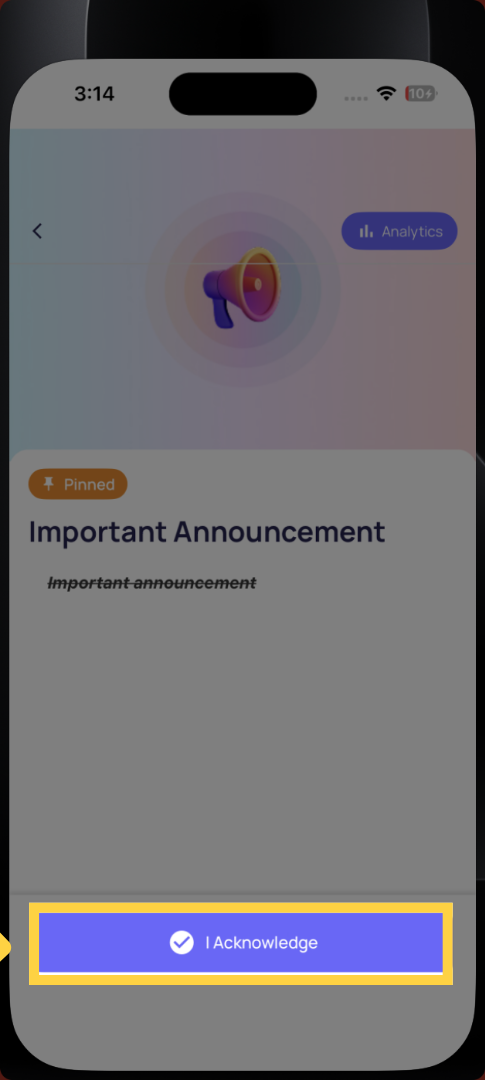
- Scroll to the bottom of the announcement
- You'll see an Acknowledge button or a signature field
- Tap Acknowledge (or draw your signature if a signature is required)
- The announcement is marked as acknowledged for your account
Your manager can see that you acknowledged it. If you close an announcement before acknowledging, it remains in your unread/unacknowledged list until you complete it.
If an Announcement Requires a Signature
Some compliance-critical announcements (new HR policies, safety procedures) require a digital signature rather than just a tap. Draw your signature on the signature pad with your finger and confirm. This creates a formal signed record.
This article guided you through accessing, reading, and acknowledging announcements within your organization’s communication tab. For more information, see related articles on managing notifications and communication settings.
Need Help?
Reach out to our Support Team at Support@xenia.team
Comments
0 comments
Please sign in to leave a comment.