
1. The Statuses You'll See
Every task in Xenia has a status that tells you exactly where it stands. Here's what each one means and what you should do.
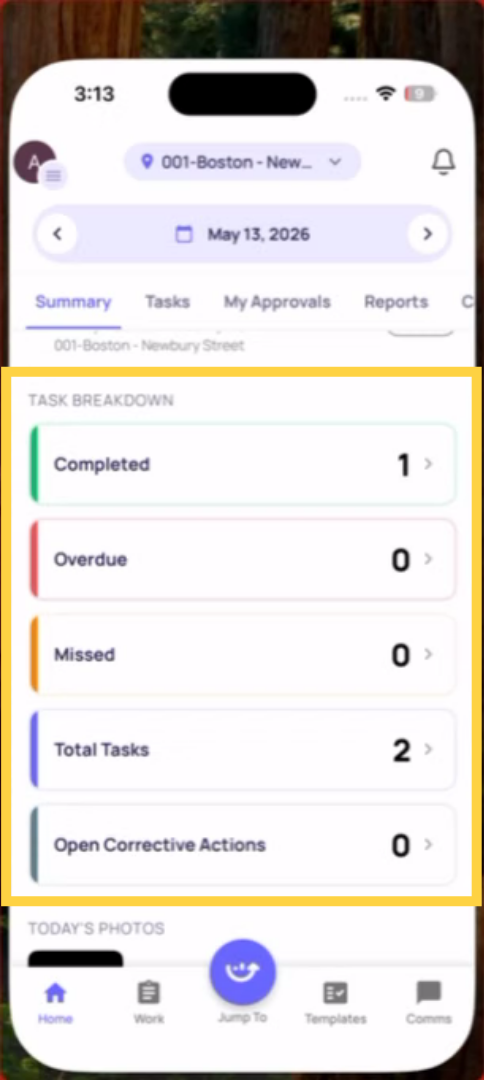
OPEN
What it means: The task is ready for you. The start time has arrived and no one has started it yet.
What you see: The task card on your home screen with a Start button.
What you should do: Tap it and start the checklist. This is normal — Open means it's waiting for you.
IN PROGRESS
What it means: You've opened the checklist and started answering questions. The task is being worked on but hasn't been submitted yet.
What you see: The task card shows an In Progress label. If you exited the checklist and came back, the button shows Continue instead of Start.
What you should do: Keep going and submit before the due time. Your progress is saved — tap Continue to pick up where you left off.
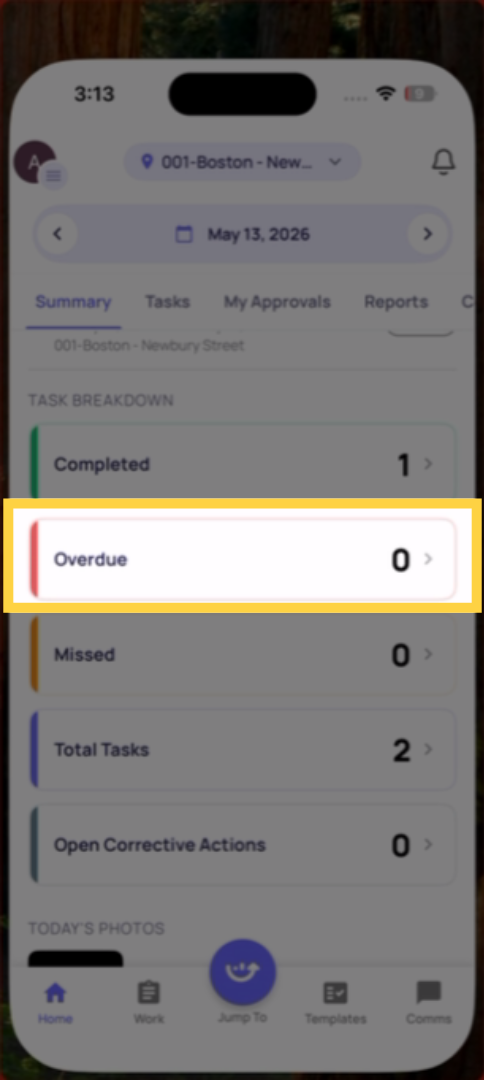
OVERDUE
What it means: The due time passed and the task wasn't submitted. The task is still open — you can still complete and submit it.
What you see: The task is flagged with a red or highlighted overdue indicator on your home screen and Work tab. The Start or Continue button is still visible.
What you should do: Complete and submit it as fast as possible. Add a comment explaining the delay when you submit — your manager will see this. Your manager has already been notified that this task is overdue.
What happens if you do nothing: The task stays in your list indefinitely as Overdue. It remains visible to your manager and leadership. It counts against your location's completion rate.
MISSED
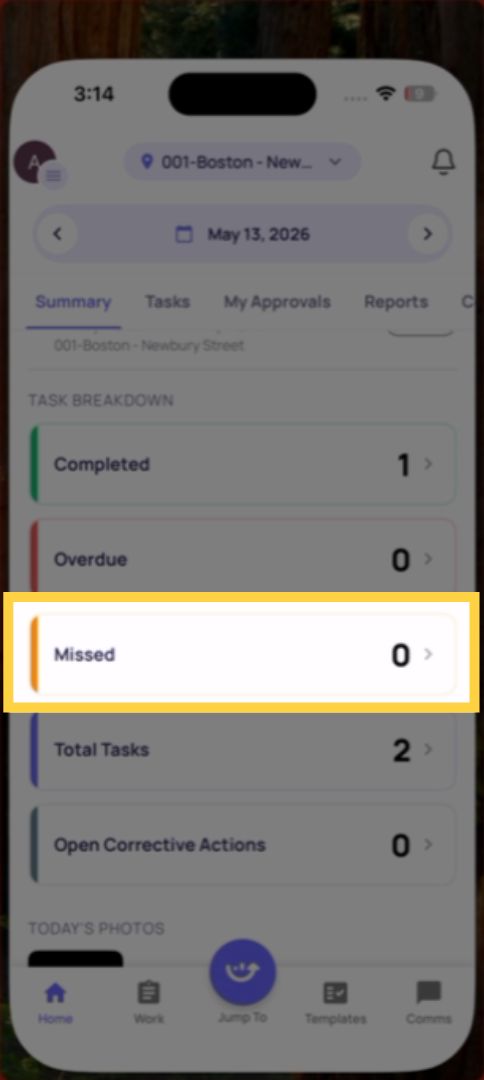
What it means: The due time passed AND this checklist was configured to lock after the deadline. You can no longer submit it.
What you see: The task shows a Missed status. The Start/Continue button is gone or grayed out — you cannot open or submit the checklist.
What you should do: Contact your manager immediately. There's nothing you can do to complete it — the window has closed. Your manager may need to note the missed task or create a follow-up action.
What happens if you do nothing: The task counts as Incomplete in your location's reporting. It clears from your active task list automatically.
COMPLETED (On Time)
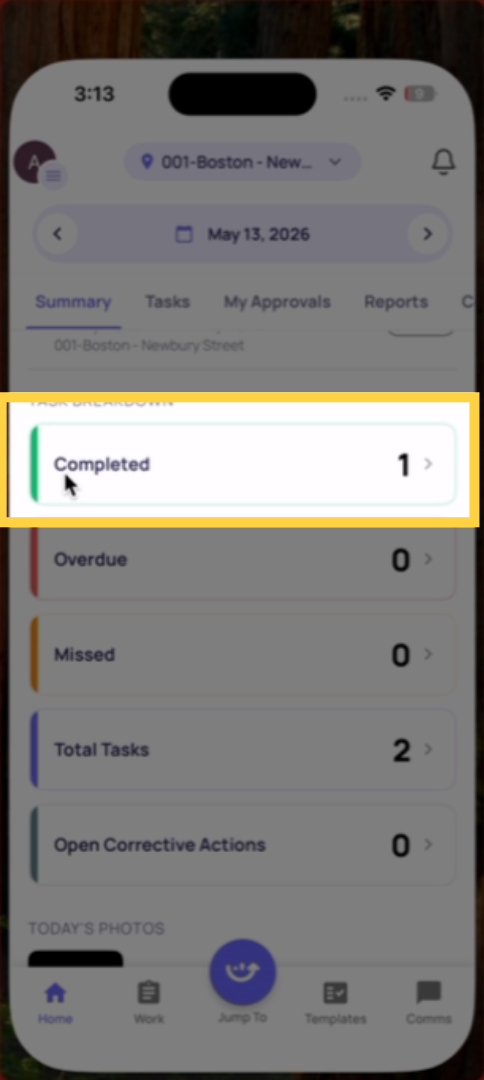
What it means: You submitted the checklist before the due time.
What you see: A completed indicator. The task moves off your active list.
Nothing more to do.
COMPLETED LATE
What it means: You submitted the checklist after the due time. The task was Overdue but you still managed to submit it.
What you see: The task shows as completed but with a Late tag in some views.
What you should do: Nothing more required. The submission is recorded. Note that your manager can see it was completed late — this is tracked separately from on-time completions in reporting.
2. Quick Reference
| Status | Due time passed? | Can I still submit? | What to do |
|---|---|---|---|
| Open | No | Yes | Start it now |
| In Progress | No | Yes | Finish and submit |
| Overdue | Yes | Yes | Submit immediately |
| Missed | Yes | No | Contact your manager |
| Completed | No | Done | Nothing |
| Completed Late | Yes | Done | Nothing |
Need Help?
Reach out to our Support Team at Support@xenia.team
Comments
0 comments
Please sign in to leave a comment.