
1. What Project Notifications Are
Project notifications (also called Overdue/Missed Notifier) are alerts sent to configured recipients when a project-generated task is not completed by its due time. They're the escalation mechanism that turns a missed task into a leadership alert.
Without project notifications, a task that goes overdue is visible in the reporting dashboard — but no one gets proactively told. With project notifications configured correctly, the right manager receives an alert the moment the due time passes and no submission exists.
2. When Exactly Does the Notification Fire?
The notification fires at the moment the due time passes and the task has not been submitted.
- If Mark as Missed is OFF: The task becomes Overdue at the due time. The configured notifier receives an alert.
- If Mark as Missed is ON: The task becomes Missed at the due time. The configured notifier still receives an alert.
Both statuses — Overdue and Missed — trigger the same Overdue/Missed Notifier. There is not a separate notification for each. The notifier is alerted in both cases. The difference between Overdue and Missed is in what happens to the task (still completable vs. locked), not in who gets notified.
3. Where to Configure the Notifier
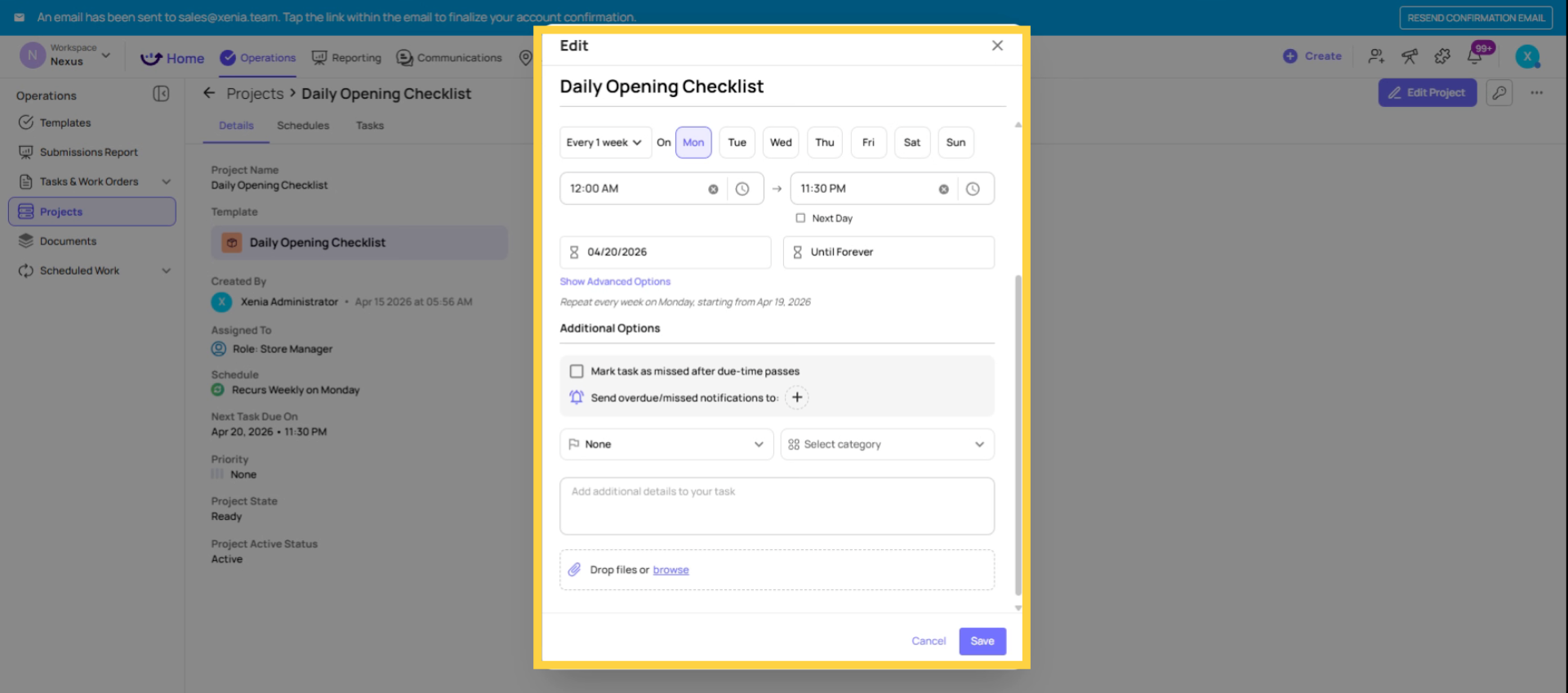
- Go to Operations → Projects
- Click into the project → click Edit
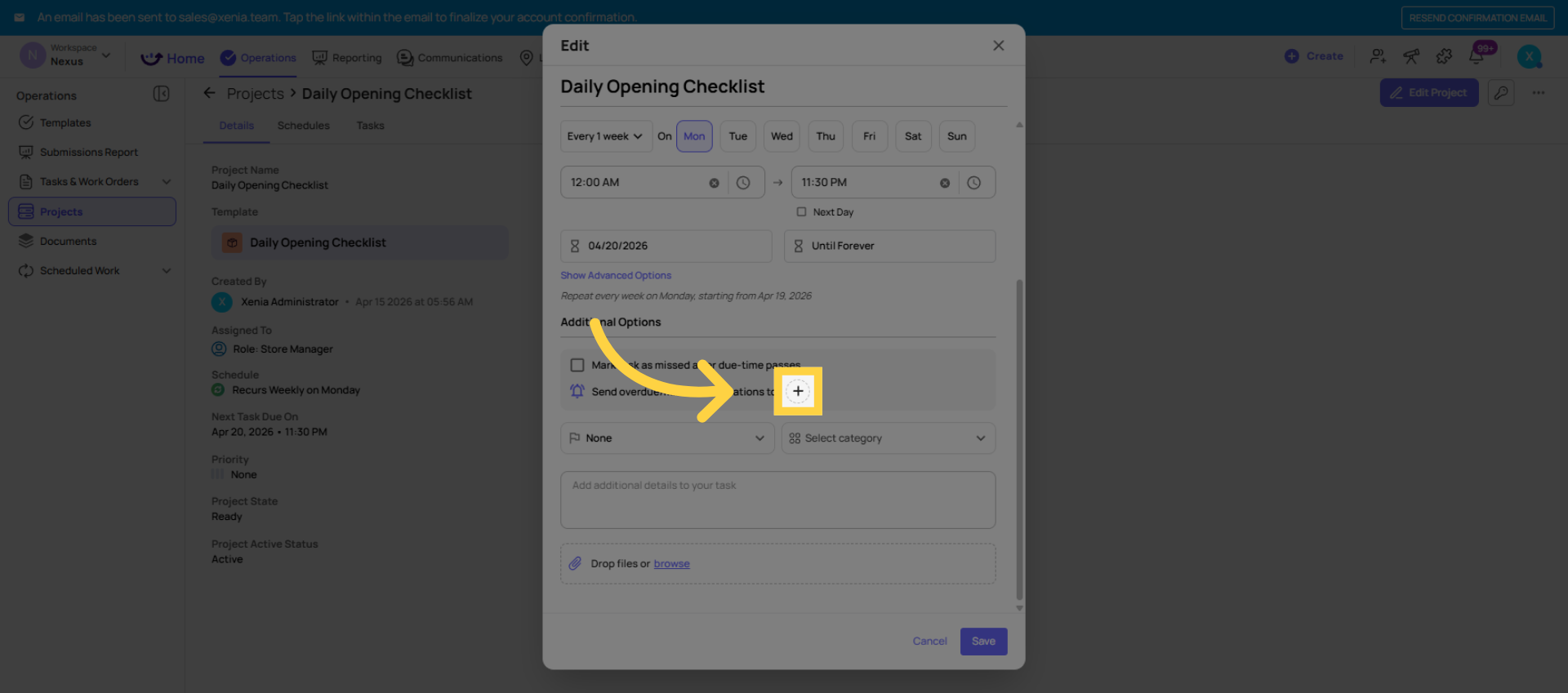
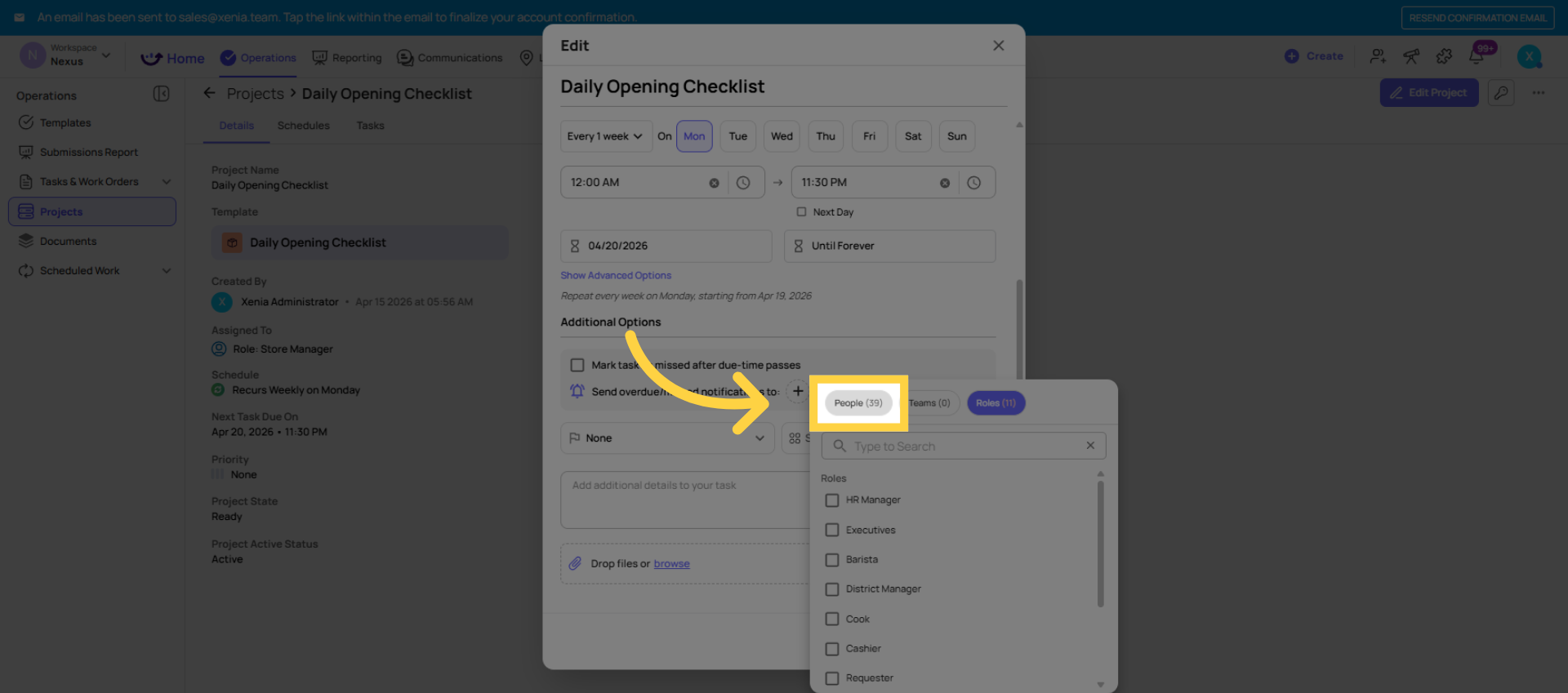
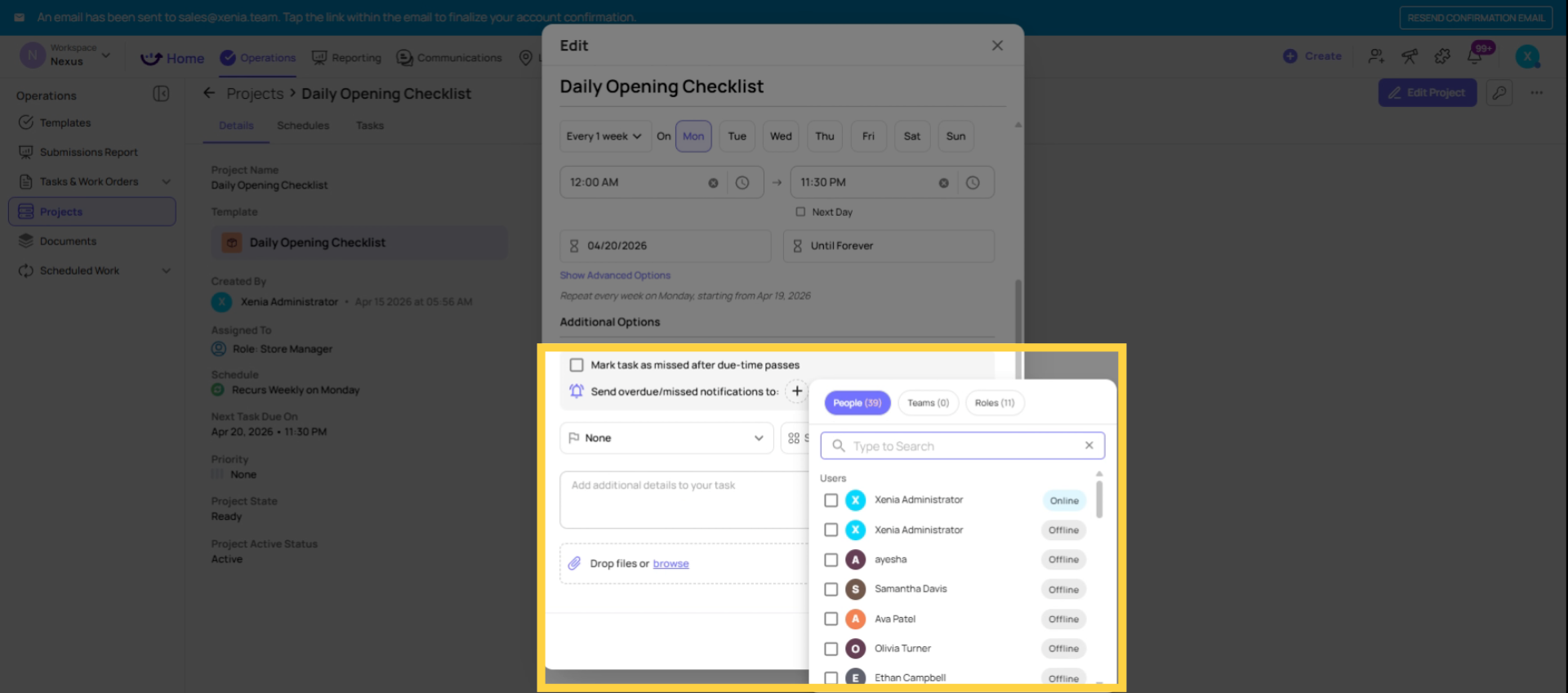
- Find the Overdue/Missed Notifier field (sometimes listed under Advanced Options or Notification section)
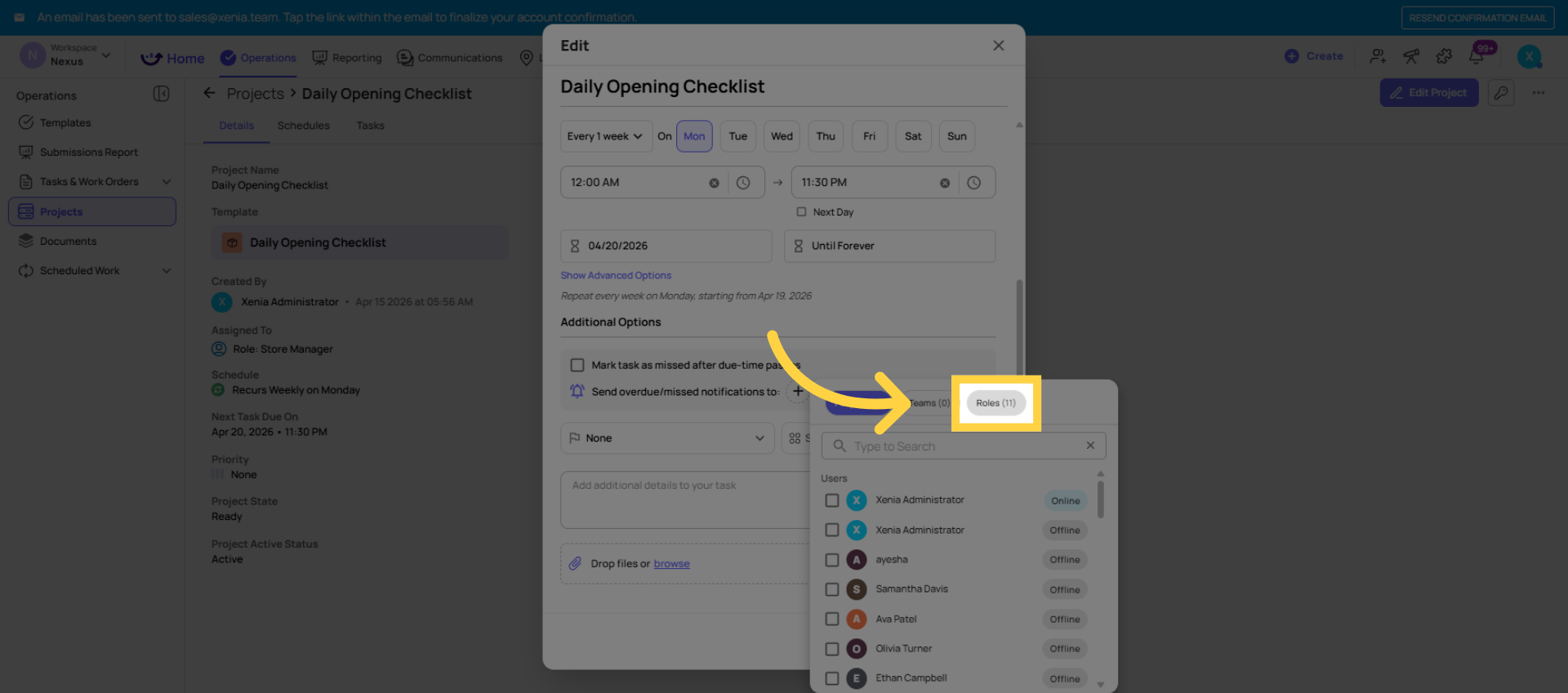
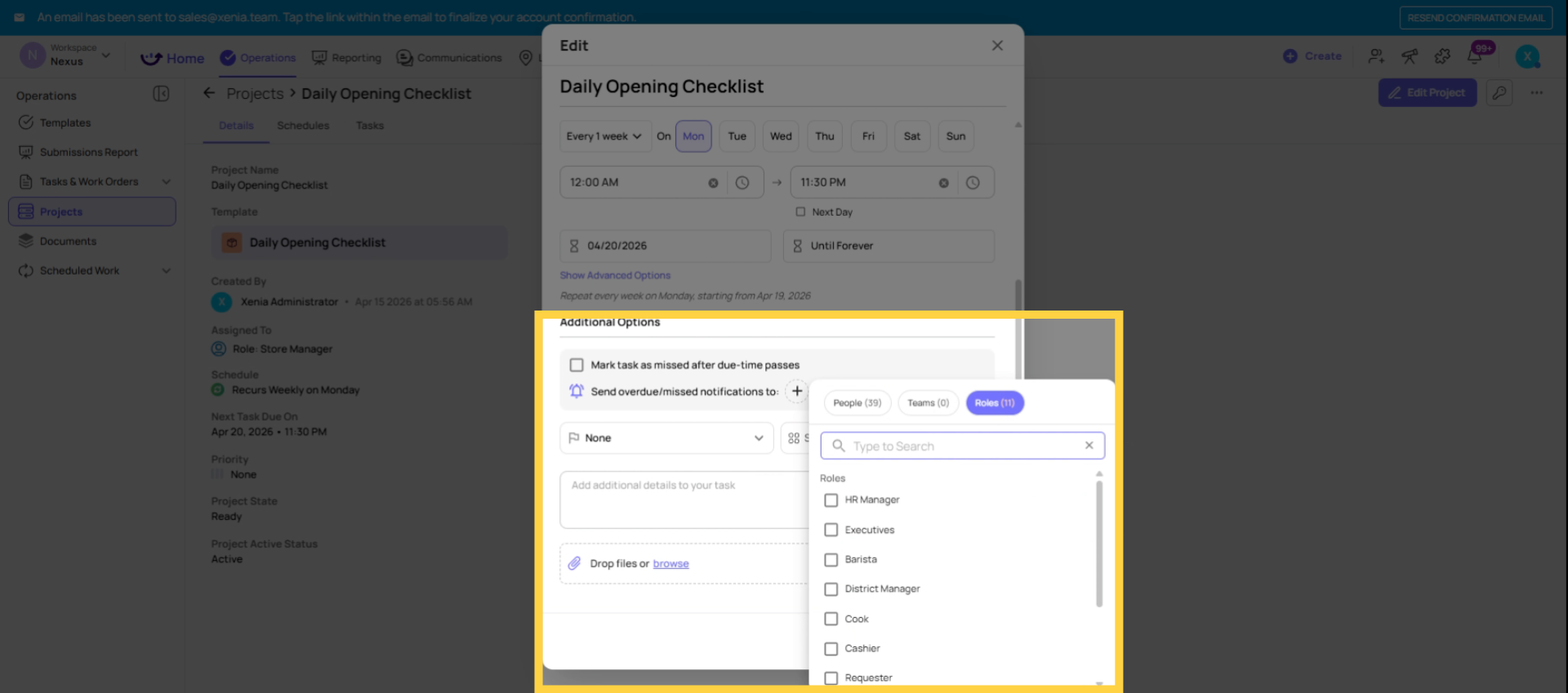
- Add a role (recommended) or a specific user
- Save
This field can be updated on a running project at any time — changes take effect on the next task that goes overdue or missed.
4. Role vs. Individual — The Critical Configuration Choice
Add a role (recommended):
When a role is added as the Overdue/Missed Notifier, Xenia uses location membership to determine which specific member of that role receives the notification.
Example: Project is deployed to 50 locations. District Manager role is the Overdue/Missed Notifier. There are 10 District Managers, each responsible for 5 stores.
When a task at Store 12 goes overdue — the District Manager with membership at Store 12 receives the notification. The other 9 District Managers receive nothing. Their stores' tasks are their own business.
This is the correct configuration for multi-location operations. It scales automatically. Add a new store, assign DM membership — the notification routing follows without any project changes.
Add a specific individual:
When a specific person is added as the notifier, they receive notifications for every single location in the project — all 50 stores. They get an alert every time any task in the project goes overdue, regardless of location.
This is rarely the right configuration for multi-location operations. The only appropriate use case is when one specific person genuinely needs to know about overdue tasks at every location — typically a workspace owner or a very senior operations leader with organization-wide responsibility.
8. Overdue vs. Missed — The Complete Comparison
Overdue vs. Missed — The Complete Comparison
| Factor | Overdue | Missed |
| Due time passed | Yes | Yes |
| Mark as Missed setting | OFF | ON |
| Task still completable | Yes | No |
| Appears in active task board | Yes (as overdue) | No (clears from queue) |
| Notification fires | Yes | Yes |
| Reporting bucket | Completed Late (if submitted) / Incomplete (if not) | Incomplete |
| Backlog impact | Accumulates if not completed | Clears — does not accumulate |
Need Help?
Reach out to our Support Team at Support@xenia.team
Comments
0 comments
Please sign in to leave a comment.