
This article explains how to move templates between folders within the Xenia Operations Template Dashboard. You will learn how to organize templates effectively to keep your workspace structured and efficient.
1. Introduce Template Folder Movement
In this Article, we will be covering how to move templates between folders within the Xenia Operations Template Dashboard.
2. Folder Organization Importance
Proper folder organization ensures that your team can locate the correct templates quickly and that your workspace remains structured as your template library grows. As your workspace scales, the number of templates can grow significantly, spanning inspections, audits, daily checklists, HR funds, maintenance procedures, and more.
Without a folder structure in place, getting the right template becomes increasingly difficult for both administrators and front line staff.
Without a folder structure in place, getting the right template becomes increasingly difficult for both administrators and front line staff.
3. Create New Folder
To group all checklists and forms together, click Add New and then select New Folder
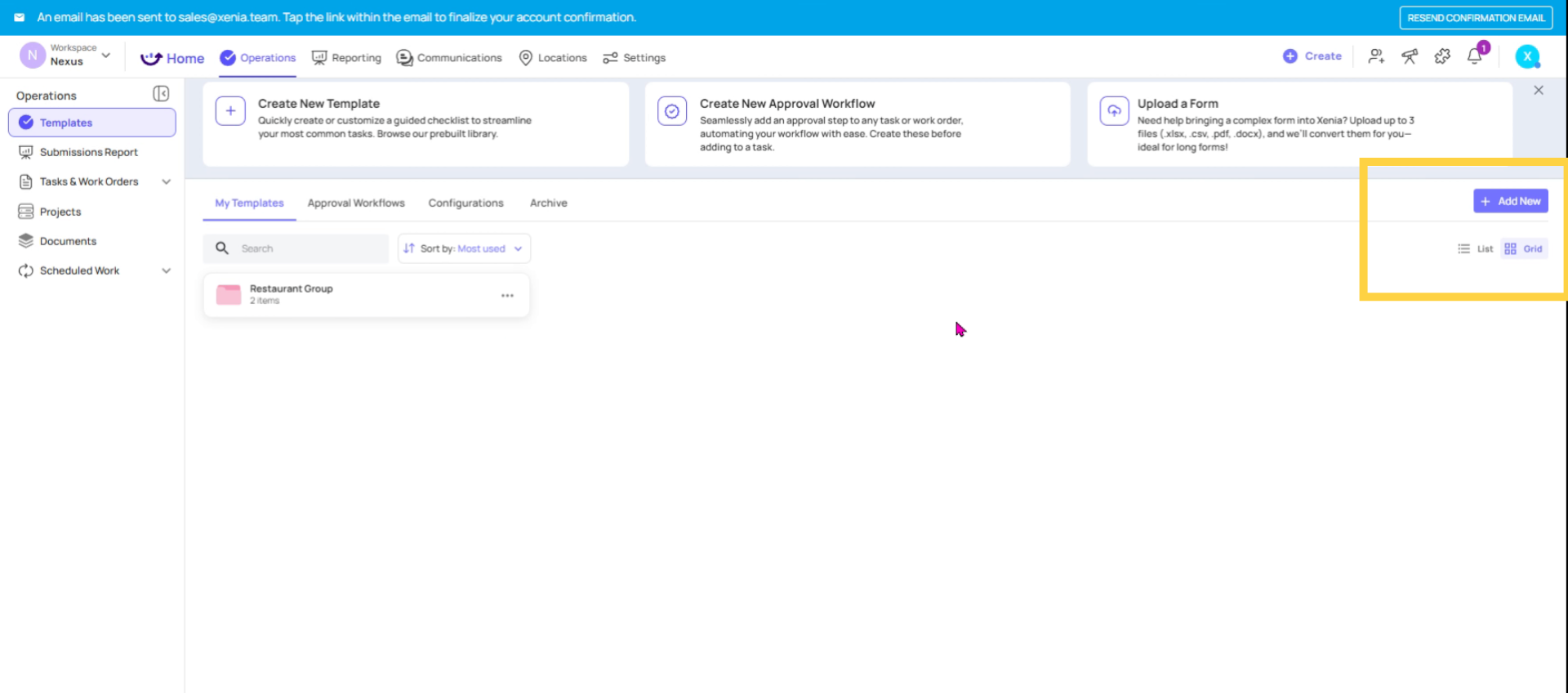
4. Name And Create Folder
You can name it something like Daily Checklist or anything that suits your needs. Then, you can either place it under an existing parent folder or create a new one, as shown here.
5. Parent And Child Folders (1)
Now I have two folders. When I click on the Restaurant Group, I can see it as the parent folder, with Inspections & Audits and Daily Operations as its child folders.
6. Manage Templates Within Folders
When I click on Inspections & Audits, I can see my checklist already set up here. From this section, I can add more templates and checklists or create additional folders as needed.
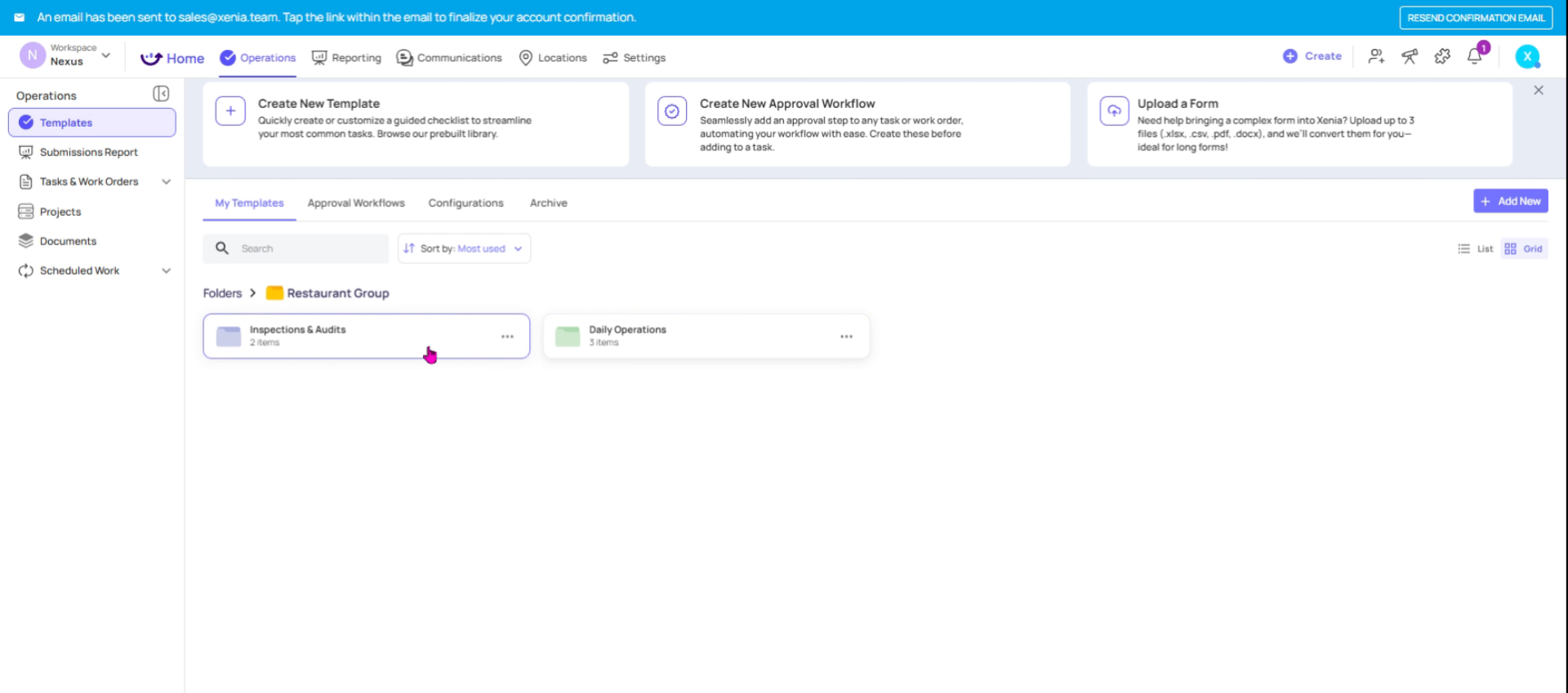
7. Open Inspections & Audits Folder
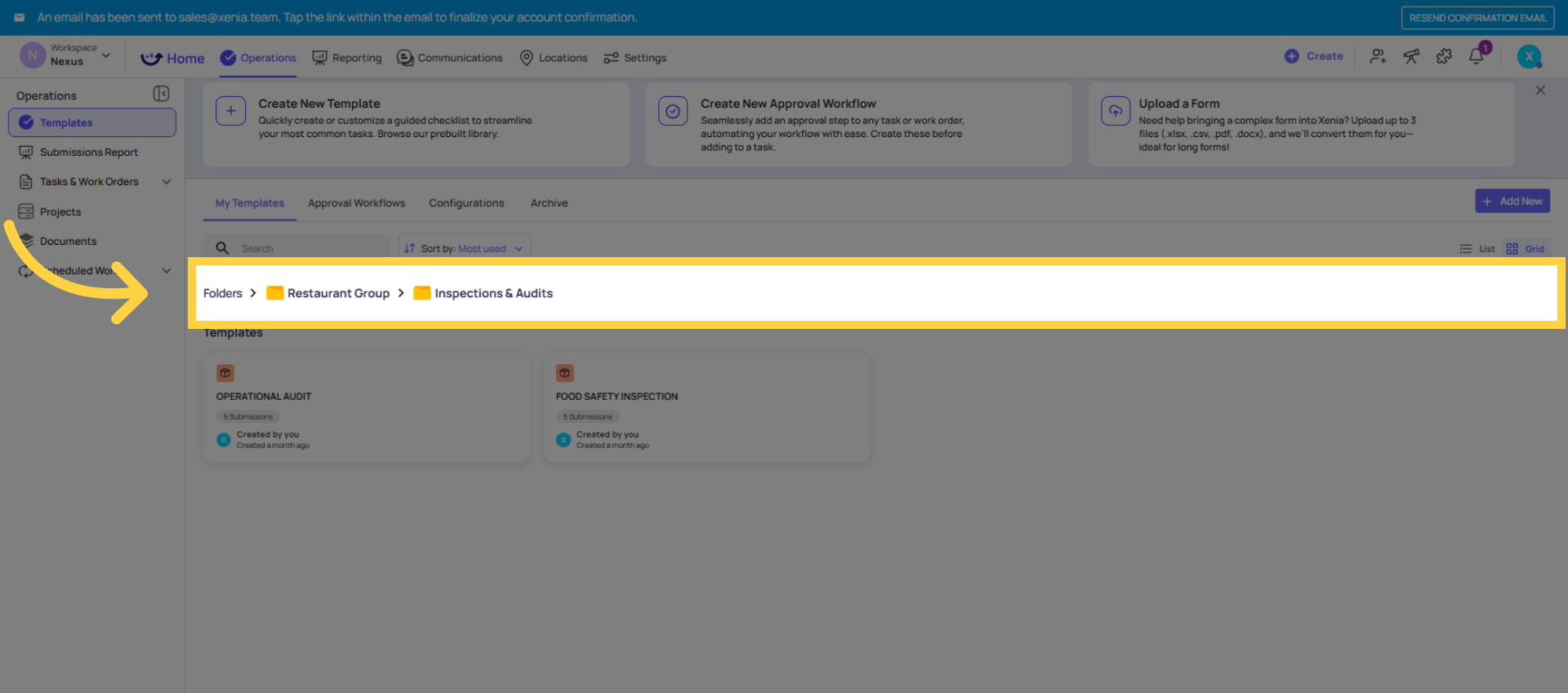
8. Navigate Folders Efficiently
This is how you can customize and navigate between folders to keep everything organized, structured, and running efficiently.
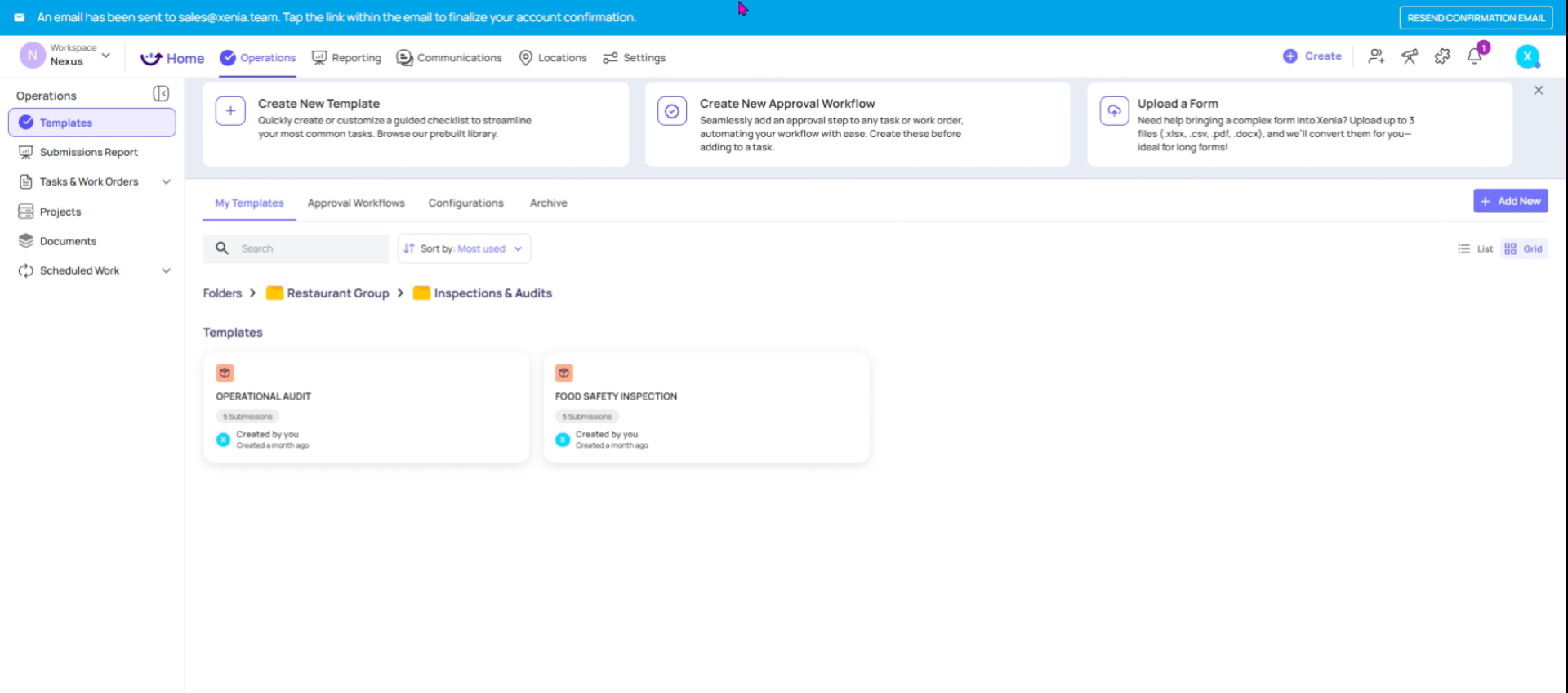
9. Folder Naming Best Practices
As a best practice, it’s recommended to establish a clear folder naming convention early on. This helps keep your checklists and templates organized and easy to navigate.
This article explained how to organize and manage templates within folders in the Xenia Operations Template Dashboard. Following these steps will help maintain a structured workspace and improve template accessibility for your team.
Need Help?
This article explained how to organize and manage templates within folders in the Xenia Operations Template Dashboard. Following these steps will help maintain a structured workspace and improve template accessibility for your team.
Need Help?
- If you run into any issues or have questions about bulk locations, reach out to the Xenia support team at support@xenia.team or your Implementation Specialist for assistance.
Comments
0 comments
Please sign in to leave a comment.