05 How to Update Your Profile: Email, Phone Number & Personal Settings
Last updated: October 19, 2026
1. How to Access My Settings
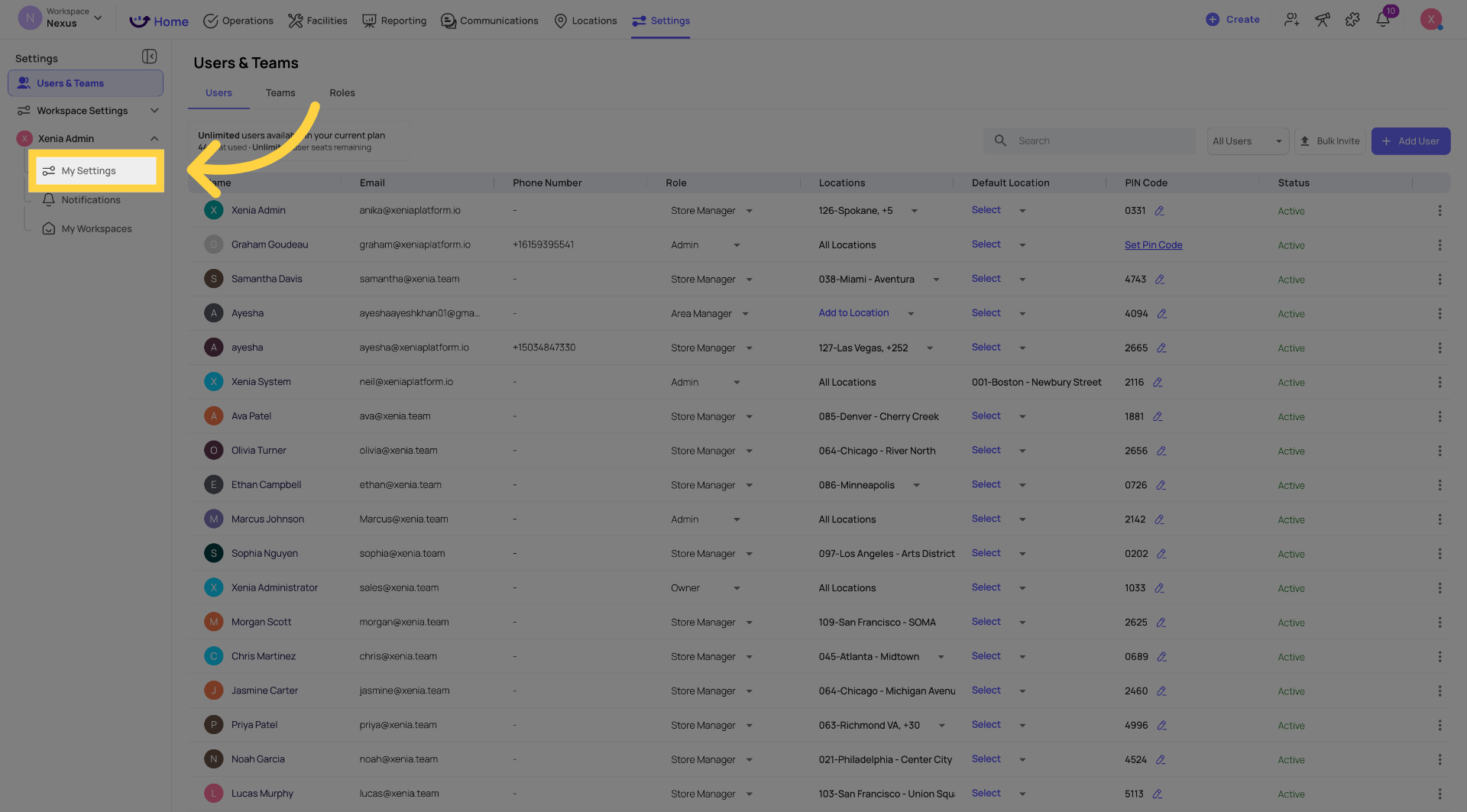
On Web:
- Click Settings in the top bar of the app
- Click My Settings
- Your personal profile page opens
On Mobile/Tablet:
- Tap your profile icon or initials in the top left corner
- Tap your account name at the top of the side menu
- Your profile settings open
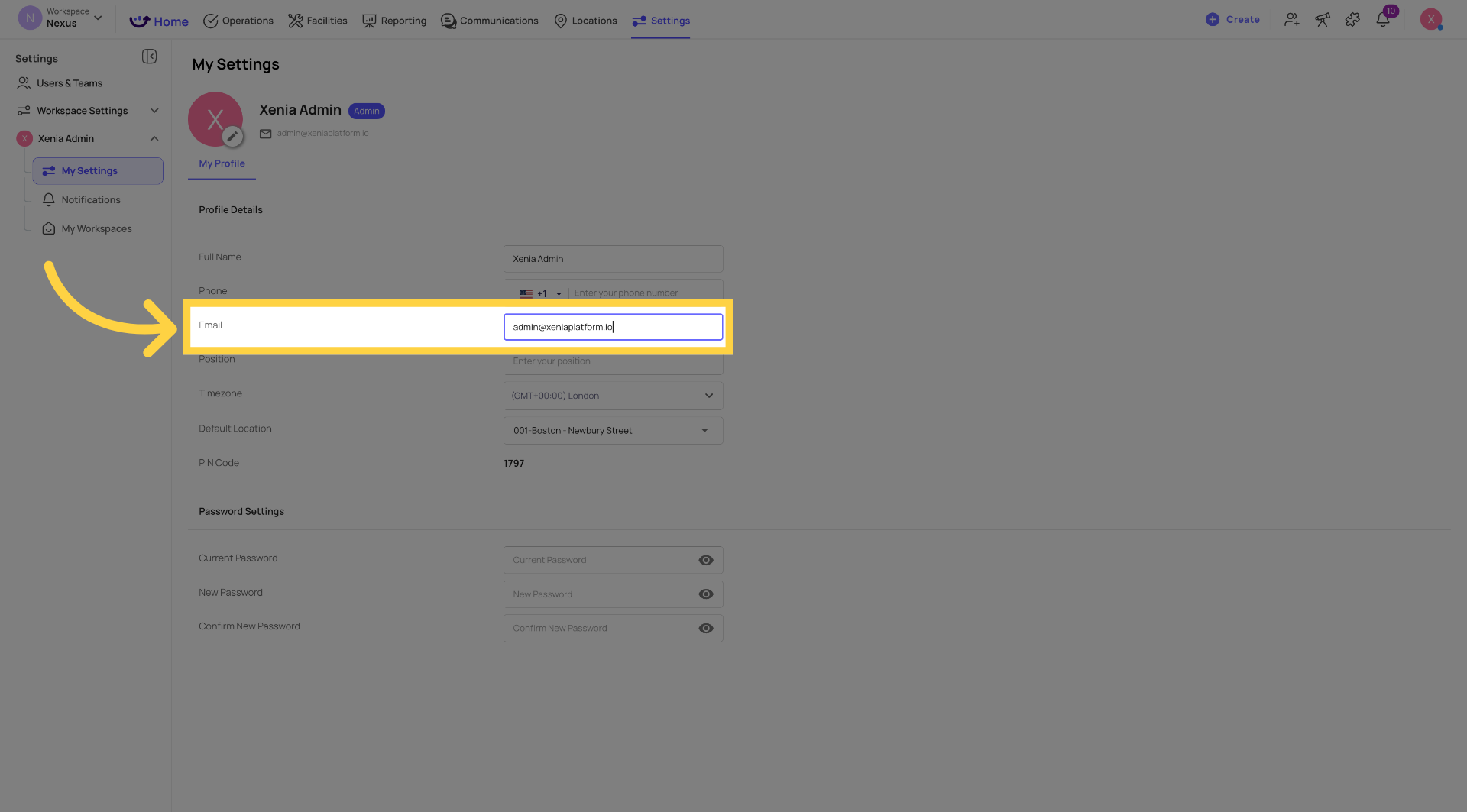
2. Updating Your Email Address
- Open My Settings
- Find the Email field
- Click or tap the field to edit it
- Type your new email address
- Click or tap Save Changes
Your email address is what you use to log in and where Xenia sends email notifications. After updating, use the new email address to log in going forward.
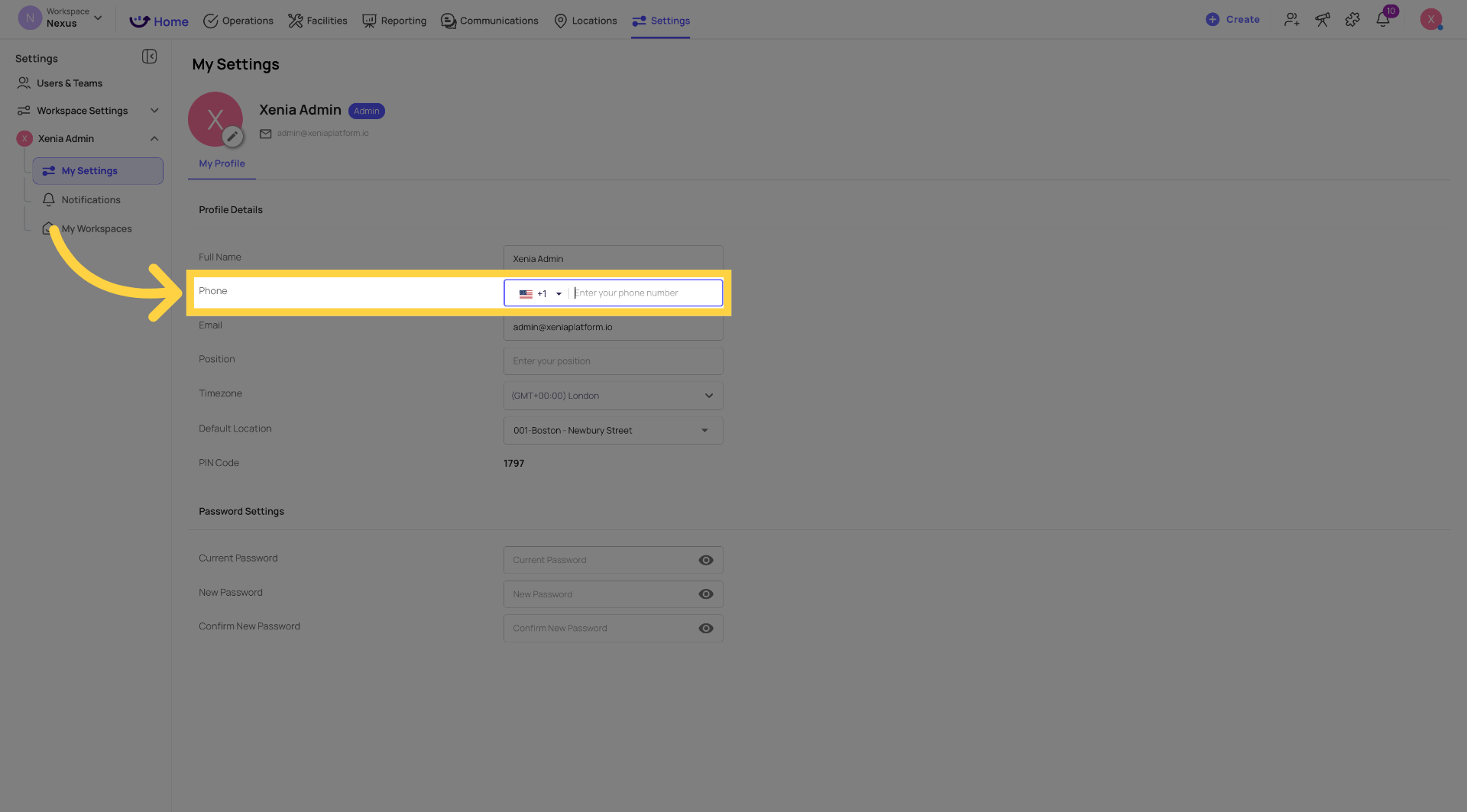
3. Updating Your Phone Number
- Open My Settings
- Find the Phone Number field
- Click or tap the field to edit it
- Enter your new phone number
- Click or tap Save Changes
Your phone number is used for SMS notification delivery. Keeping it current ensures you receive text alerts correctly if SMS is enabled for your notification preferences.
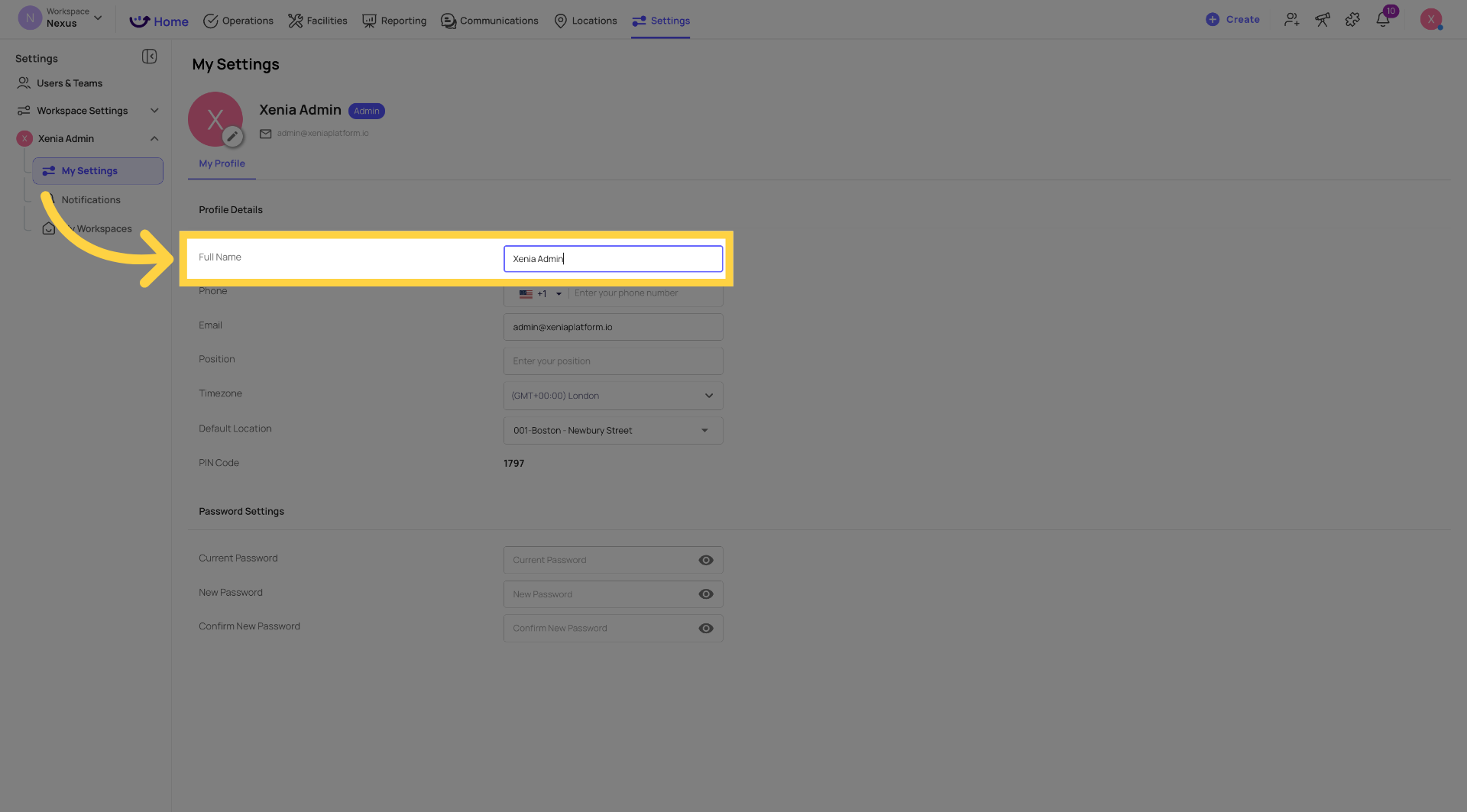
4. Updating Your Name
- Open My Settings
- Find the Name field
- Click or tap to edit
- Update your name
- Click or tap Save Changes
Your name appears on all submissions, task completions, and reports across Xenia. Updates take effect immediately.
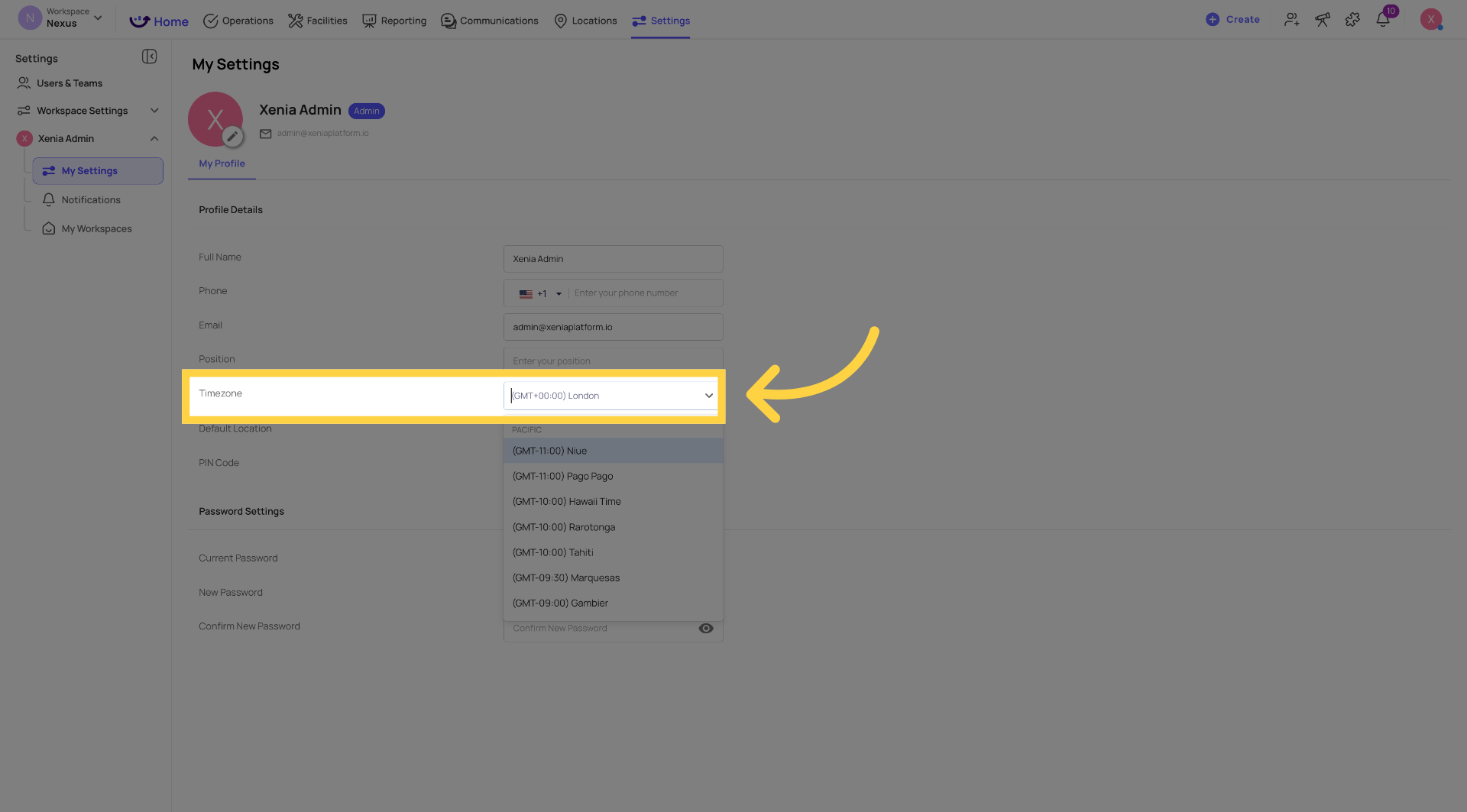
5. Updating Your Timezone
- Open My Settings
- Find the Timezone field
- Click or tap the dropdown
- Search for or scroll to your correct timezone
- Select it
- Click or tap Save Changes
Your timezone affects when task reminders and notifications appear on your device. If tasks are appearing at unexpected times, check that your timezone is set correctly here.
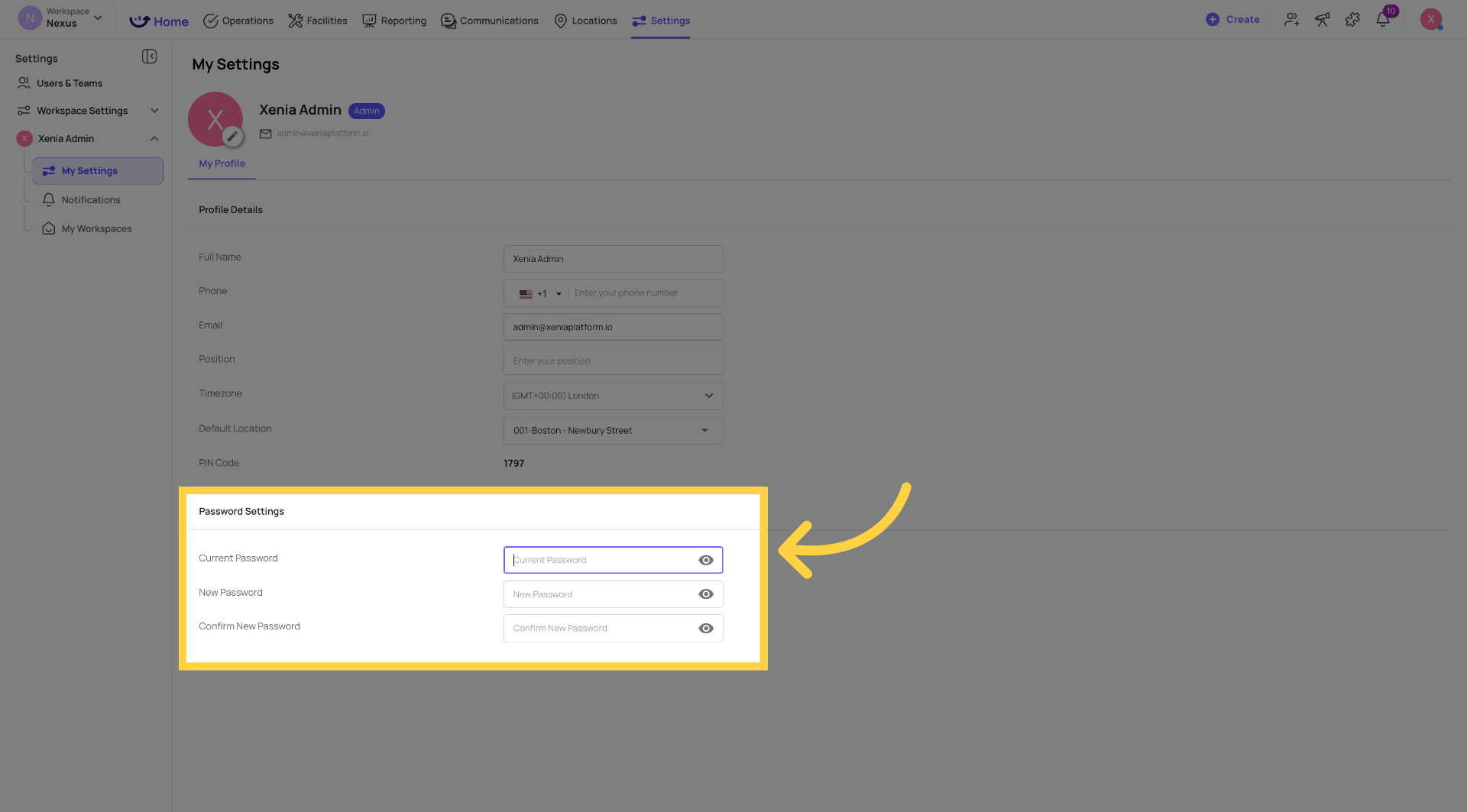
6. Updating Your Password
- Open My Settings
- Find the Password or Change Password section
- Enter your current password
- Enter your new password
- Confirm your new password
- Click or tap Save Changes or Update Password
If you've forgotten your current password and can't log in, use the Forgot Password link on the login screen to receive a reset email.
Note for Admins
If a user cannot access My Settings themselves, or if you need to update a user's profile on their behalf, admins can edit any user's profile directly from Settings → Users → [User Name] → Edit. See the article: How to Edit Another User's Profile If I Am an Admin in Xenia.
Need Help?
Reach out to our Support Team at Support@xenia.team