Commenting & mentioning team members in work orders
Last updated: October 19, 2026
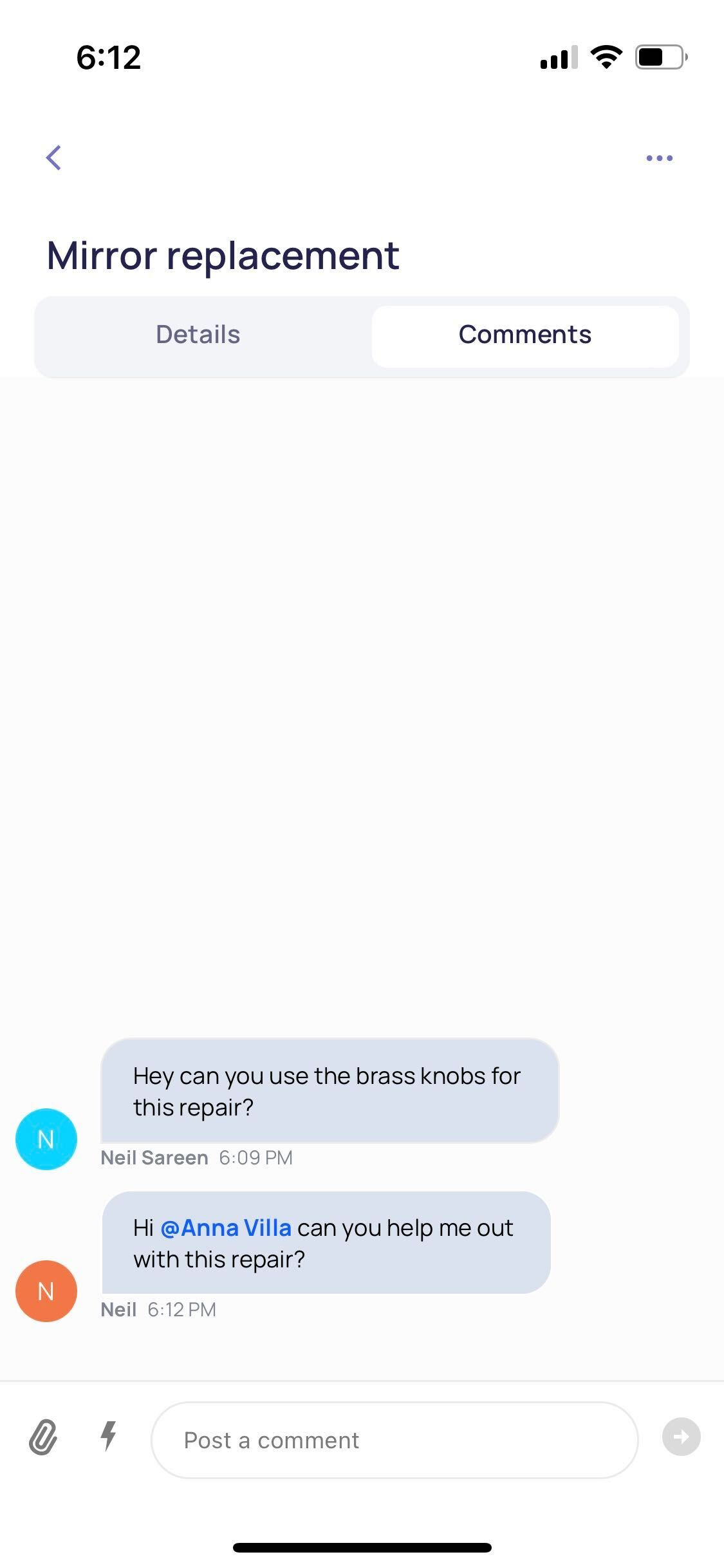
Click on a task that you want to leave a comment on. Once open, head to the Comments tab. Add a comment here. You can also add an attachment to offer more information or sprinkle in emojis to lighten things up.

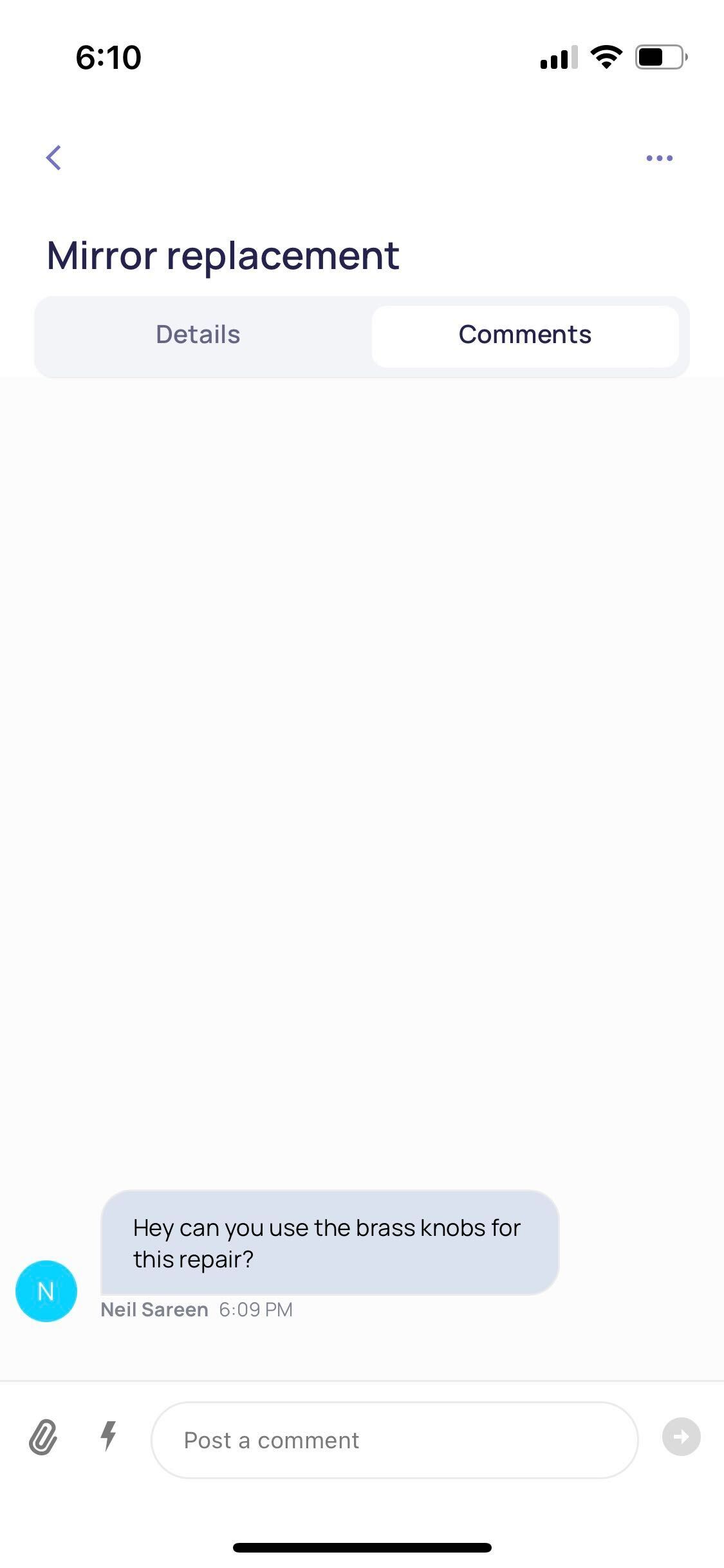
You can also mention users in a task. From the Comments tab, use @ followed by the name or email of the user to mention a team member in your Organization. They will receive a notification in real-time in relation to this comment.