Capturing photos for work orders
Last updated: October 19, 2026
With Xenia, documenting issues around your organization is as easy as a few clicks.
You can capture an image related to the work order for Assignees & Managers to view by clicking on the 'Choose Image' button inside of the 'Create Task' Form.
Here you can choose to capture from your Camera or choose an existing image from your phone's Gallery.
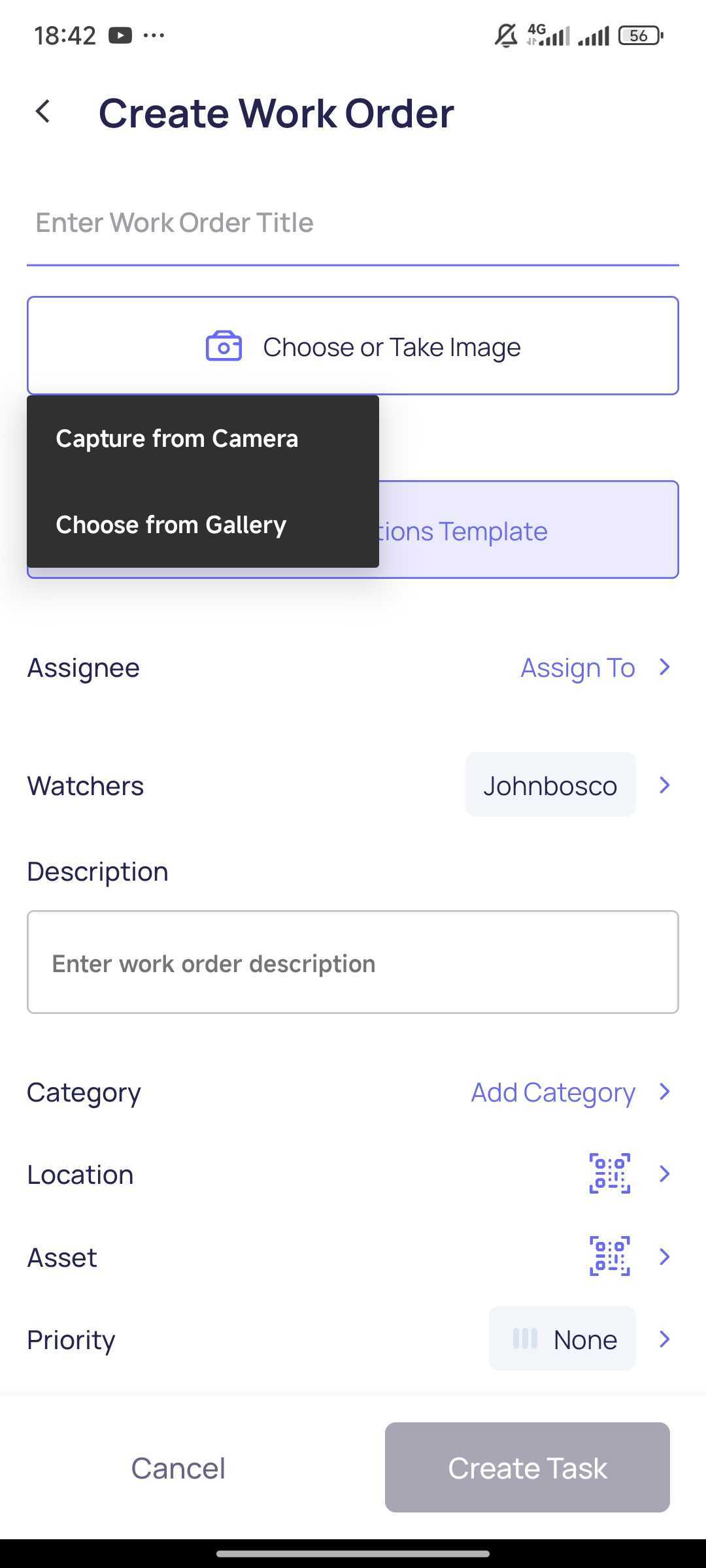

Once done, hit ‘Create Task’ to begin tracking.
Users can also add Images in relation to the work order by clicking on the 'Camera' icon button inside of the Work Order Detail view on the Mobile App:

